Morfus Connect · Deployment
Deploying Morfus Connect, on its own or with Morfus.
What a deployment needs, what connecting other Morfus modules adds, and the steps to get started.
- Live · set up for your site
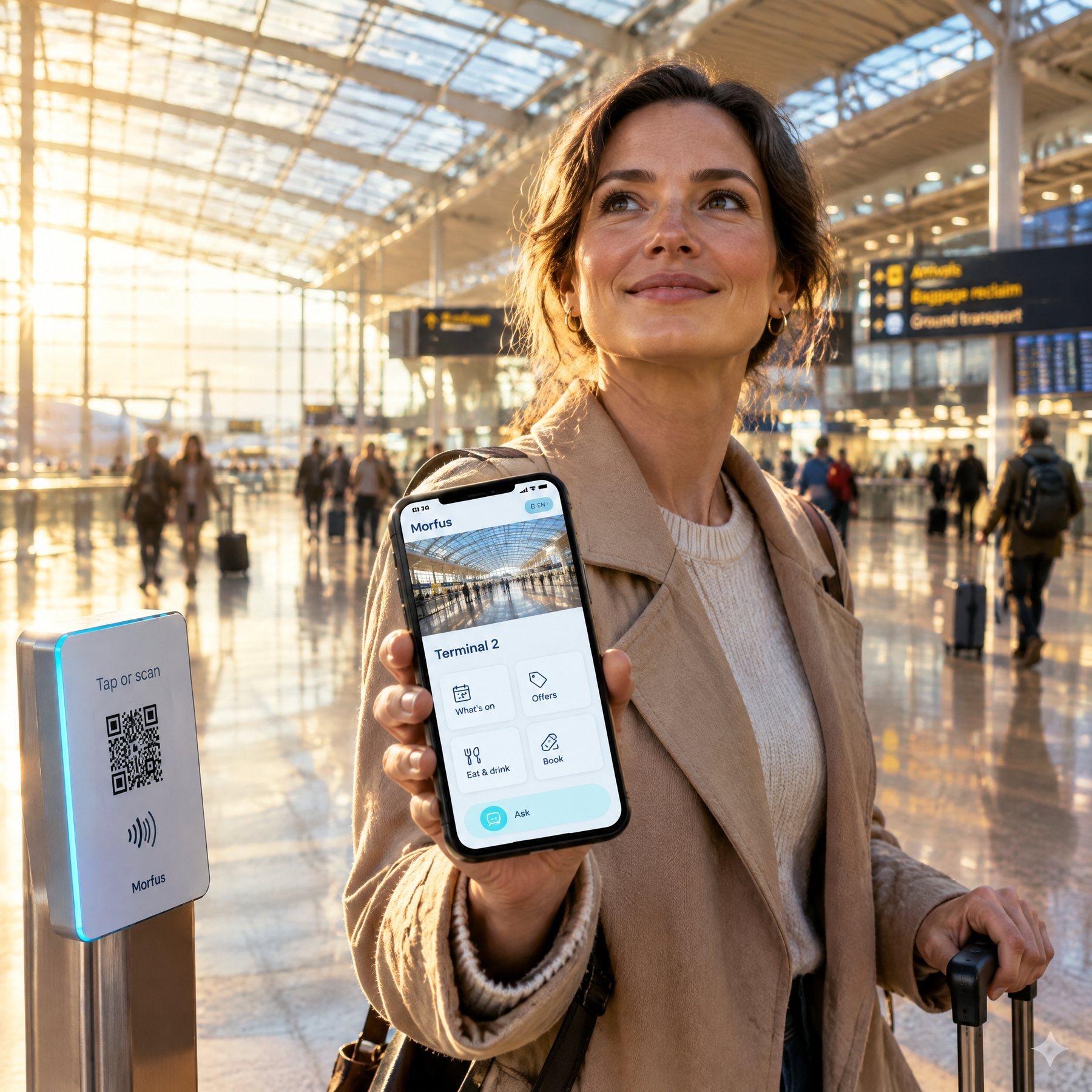
On its own
Deploy it independently
You can deploy Connect by itself, for guest Wi-Fi and a welcome and nothing more. Nothing else from Morfus is required. Before we start we check that your network equipment supports it, agree how the welcome behaves, and write down who looks after what.
What we agree first: which network equipment and welcome method are supported; your rules for who may join; your branding and the pages the welcome points to; connectivity; and who is responsible for installing and supporting it.
We do not assume a particular make of hardware or how long installation takes. We start by looking at what you already have.
What your deployment needs
- Software
- The welcome screen itself, set up for your site, and an agreement on who manages it from then on.
- Hardware
- Network equipment that supports a welcome screen, plus anything else the site check shows is missing.
- Information
- Your branding, the pages you want people to land on, your rules for who may join, and — only if you want it — the wording for asking marketing permission.
- Connections
- A supported way of showing the welcome on your network, the pages it points to, and a reporting link if you want one.
Three steps — and one thing deliberately kept apart
The whole entry path is short. It is worth seeing the steps separately, because marketing permission sits outside all three of them.
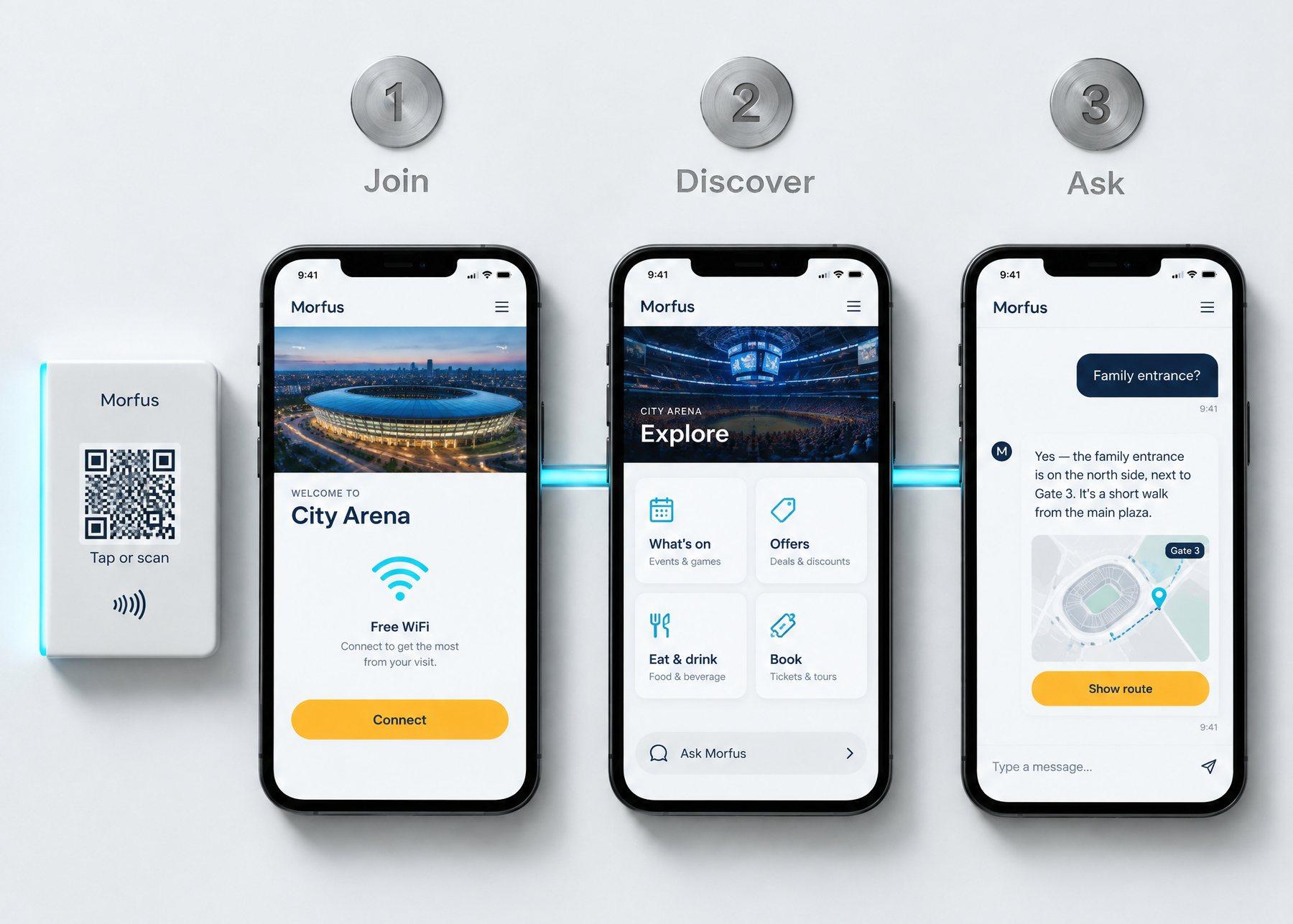
1 — Join
The visitor picks your guest Wi-Fi on their phone and completes whatever short step your policy asks for.
2 — Discover
Your welcome appears in your branding and opens the page you chose — what's on, where to eat, what to book.
3 — Ask
From there they can look up what they need. Where you also run MorfBot, they can ask a question in their own words instead of hunting for the answer.
Kept apart — marketing permission
Asked as its own question, if you want it at all. Getting online never counts as saying yes to it.
Illustrative screens. Wi-Fi is one way in, not the only one: a QR code, an NFC tag or a plain link all reach Morfus Experience without Connect. The question-and-answer step shown at stage three is MorfBot, a separate module.
With Morfus
What connecting other modules adds
Connect works on its own. Where you also run other Morfus modules, each one adds a specific thing to the welcome — not everything connects to everything. Connect is the branded welcome screen a visitor sees when they join your guest Wi-Fi, not billed internet you sell to residents and guests, which is part of Morfus Spaces.
Morfus Connect
LiveMorfus Experience
LiveMorfBot
LiveMorfus Analytics
Live
- Morfus ExperienceLive
The welcome opens a full set of pages — what's on, places to eat, things to book — instead of a single screen.
- MorfBotLive
Visitors can ask a question in their own language at the entry points you have set up.
- Morfus AnalyticsLive
Shows which entry points people actually used, from the records your deployment keeps.
Getting started
A clear starting point. A practical deployment plan.
- Example only
Where do you want to start?
ConnectExperienceMorfBotVerifiedAnalyticsAdsSpacesSensing01Choose
Decide which module or workflow addresses the outcome you want to improve.
- Example only
- ✓Software
- ✓Hardware
- ✓Information
- ✓Connections
02Scope
Agree the content, hardware and connections your deployment actually needs.
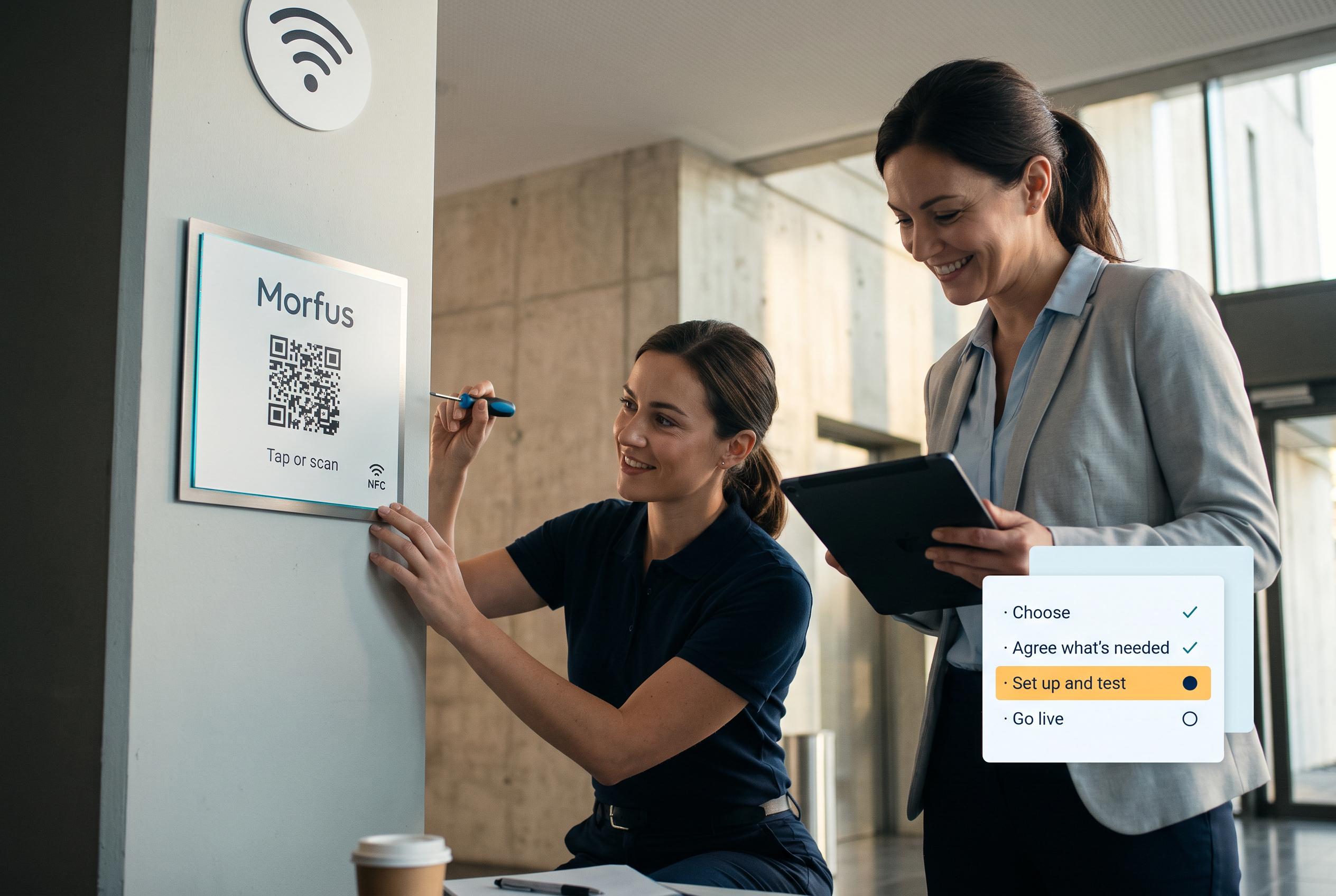
03Set up and test
We set it up and check it works in your place.
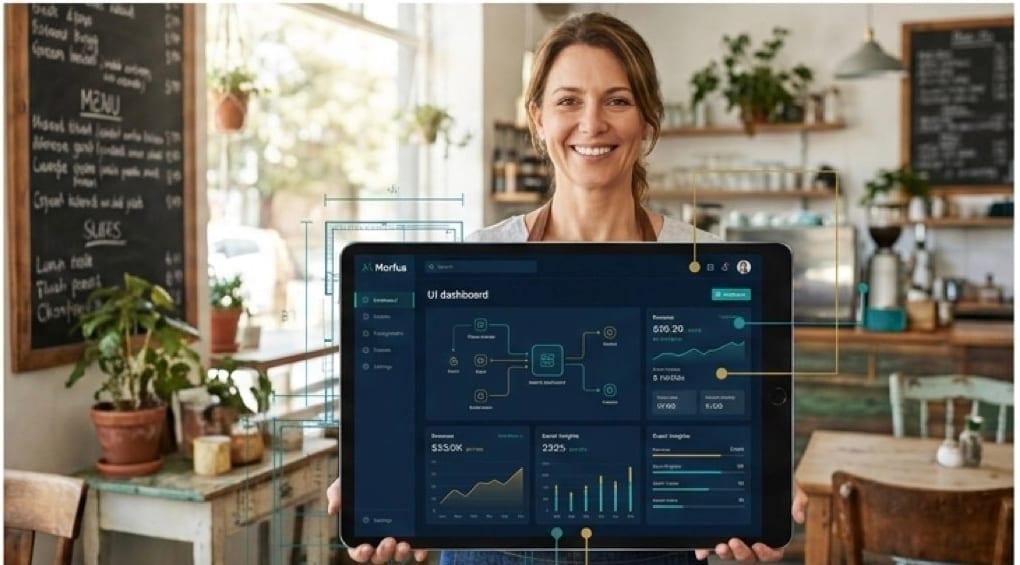
04Launch and review
Go live, then review what the deployment records and what to adjust.
Talk to us about Morfus Connect
Tell us what you operate and what you want to improve. We will scope the knowledge, actions and connections your deployment would need.