Decide what the welcome says.
Your name, your branding, the few things people need to know as they arrive, and the links you want to put in front of them — all on the screen that opens when they join.
Morfus Connect · Guest Wi-Fi and welcome
When someone joins your guest Wi-Fi, a welcome screen appears on their phone. Morfus Connect lets you decide what that screen says and where it takes them — your name, your branding, and a way straight into your own information and services. It works with the network you already have.
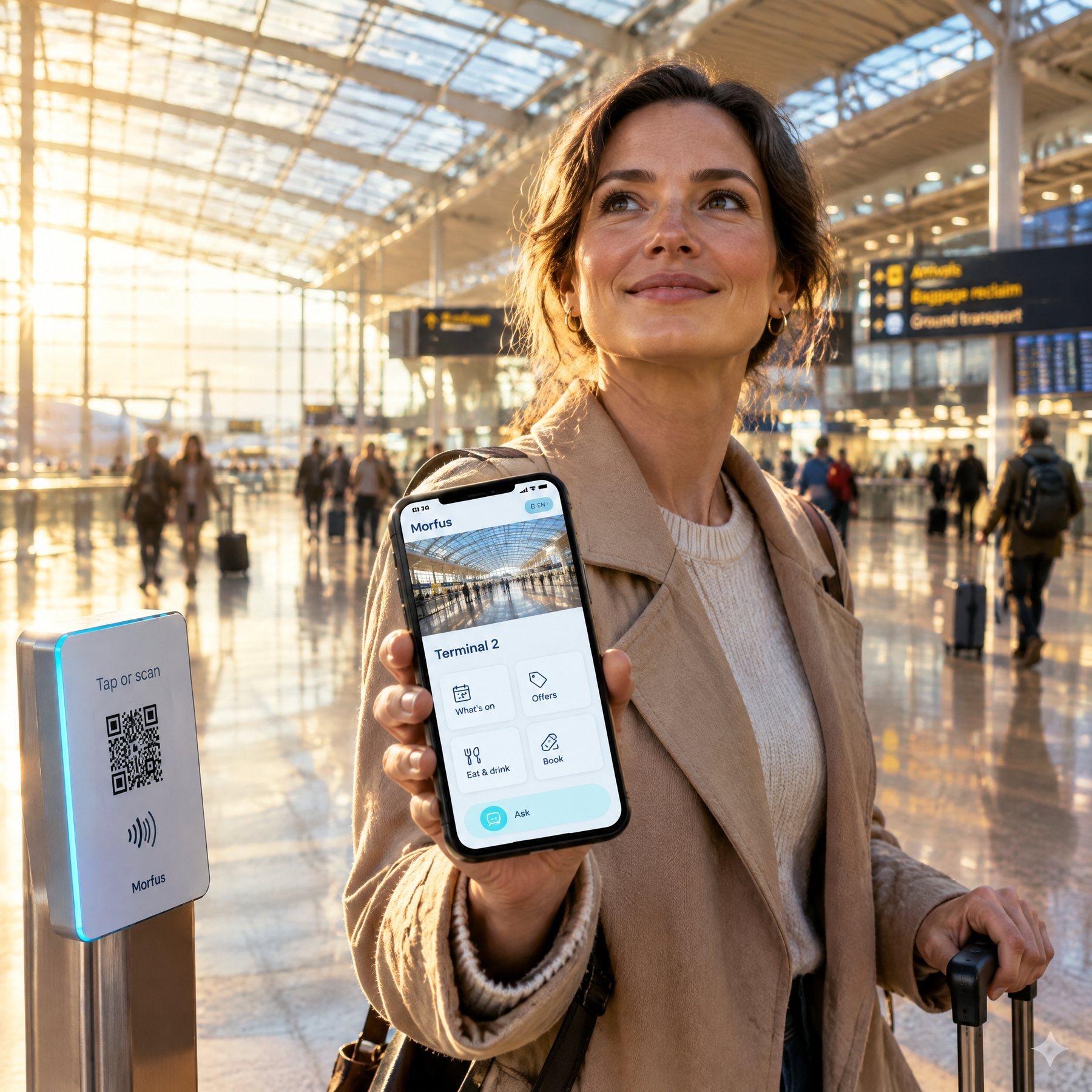
How it works
A visitor picks your guest Wi-Fi on their phone. Instead of a blank sign-in box, your own welcome screen appears. They complete whatever short step you ask for, and land on the page you chose.
Wi-Fi
Guest Wi-Fi
Your venue's guest network
Other network
Secured
The visitor selects your guest network the same way they would anywhere else. We use the equipment already installed at your site. If you would rather we ran the Wi-Fi itself, that is a separate service we agree with you.
Welcome
Welcome
What to know as you arrive
Marketing emails are a separate question. You can say no and still get online.
Phones open a small window by themselves when you join a public network. That window is the welcome screen, and you decide what goes on it: your branding, what people need to know on arrival, and the links worth offering.
Your page
What's on today
Service information
Ask the team
Once they are online, the welcome sends them on to somewhere you picked — what's on today, your service information, or a way to reach your team. Not a dead end, and not a generic page.
Getting online and agreeing to marketing are two different things. Joining your Wi-Fi is only getting online. If you want permission to market to someone, it is asked as its own clear question, and they can say no and still use the Wi-Fi.
What it does
Your name, your branding, the few things people need to know as they arrive, and the links you want to put in front of them — all on the screen that opens when they join.
We set up the guest Wi-Fi and the welcome screen on equipment that supports it. We check what is already installed before anything gets replaced.
Point the welcome at your own pages, your services or a way to ask for help, so arriving online is the start of something rather than the end of it.
Where reporting is set up, you can see which entry points were used. A connection is not the same as a person — one visitor with a phone and a laptop counts as two connections, and we do not present it as two people.
Use cases
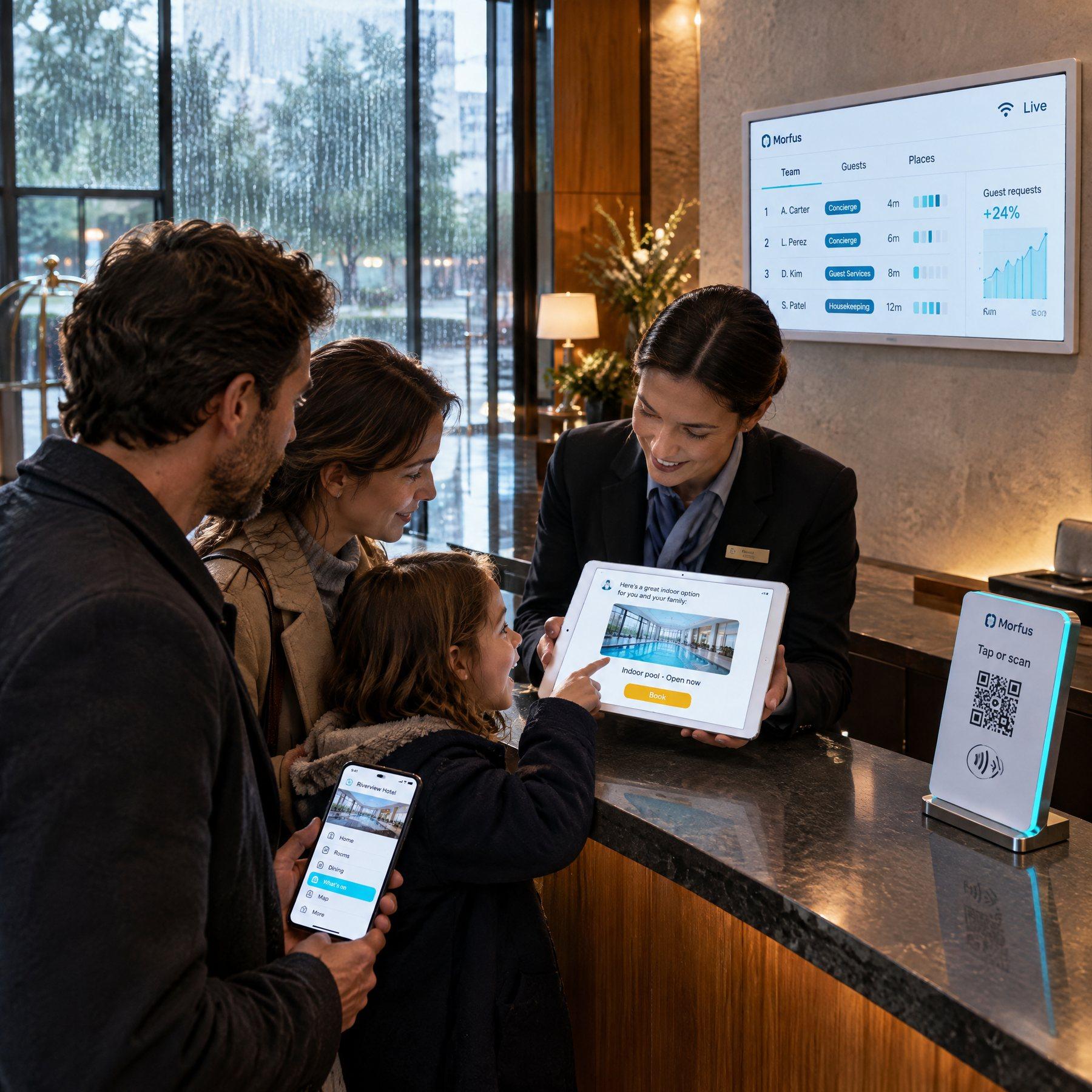
A guest connects while they are still at the desk. The welcome opens the hotel's own pages — dining, opening times, how to ask for something — instead of an empty browser tab they then have to do something with.
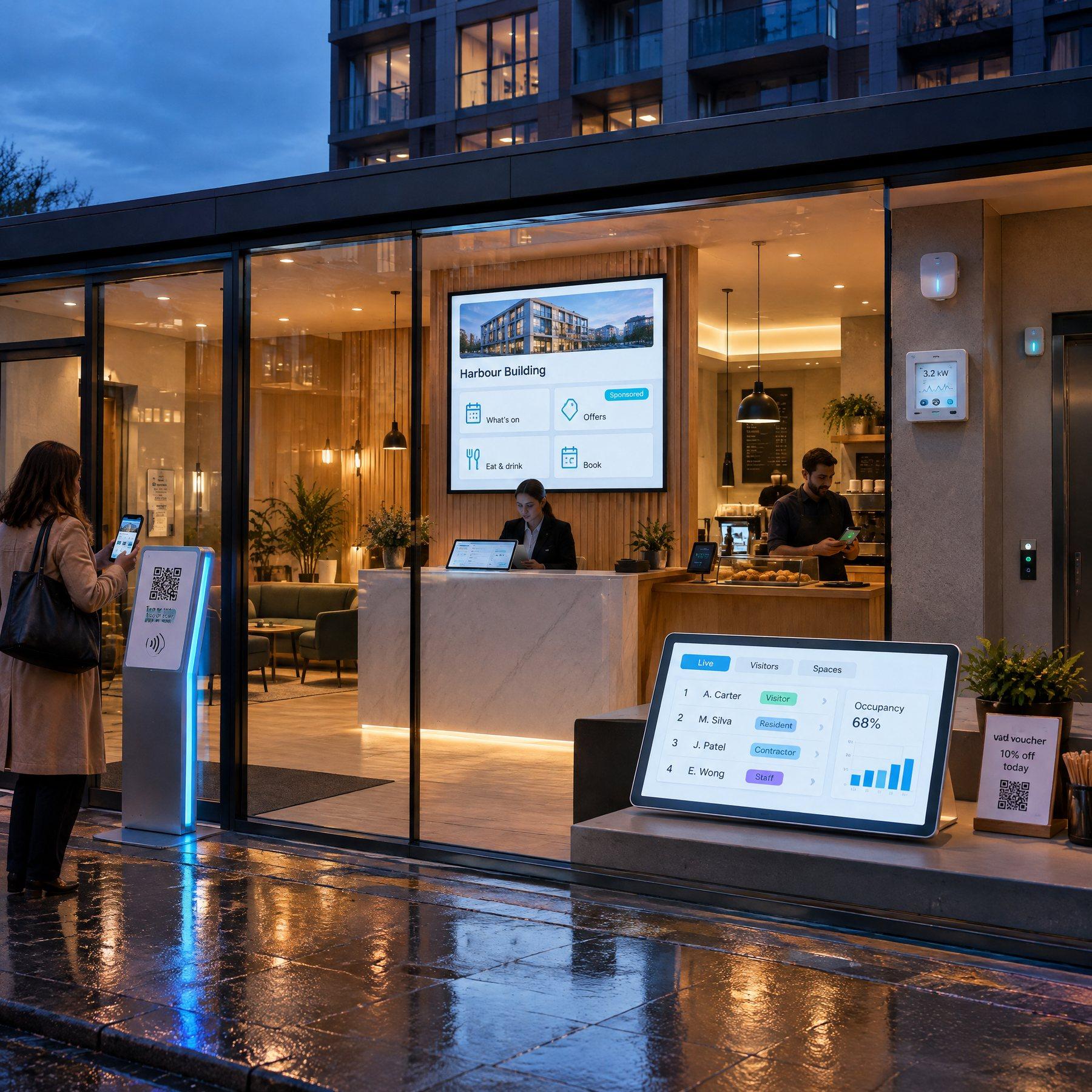
Visitors joining the building's Wi-Fi are met with today's programme and where to find it. Same module as the hotel above, different destination — the welcome leads wherever you point it.
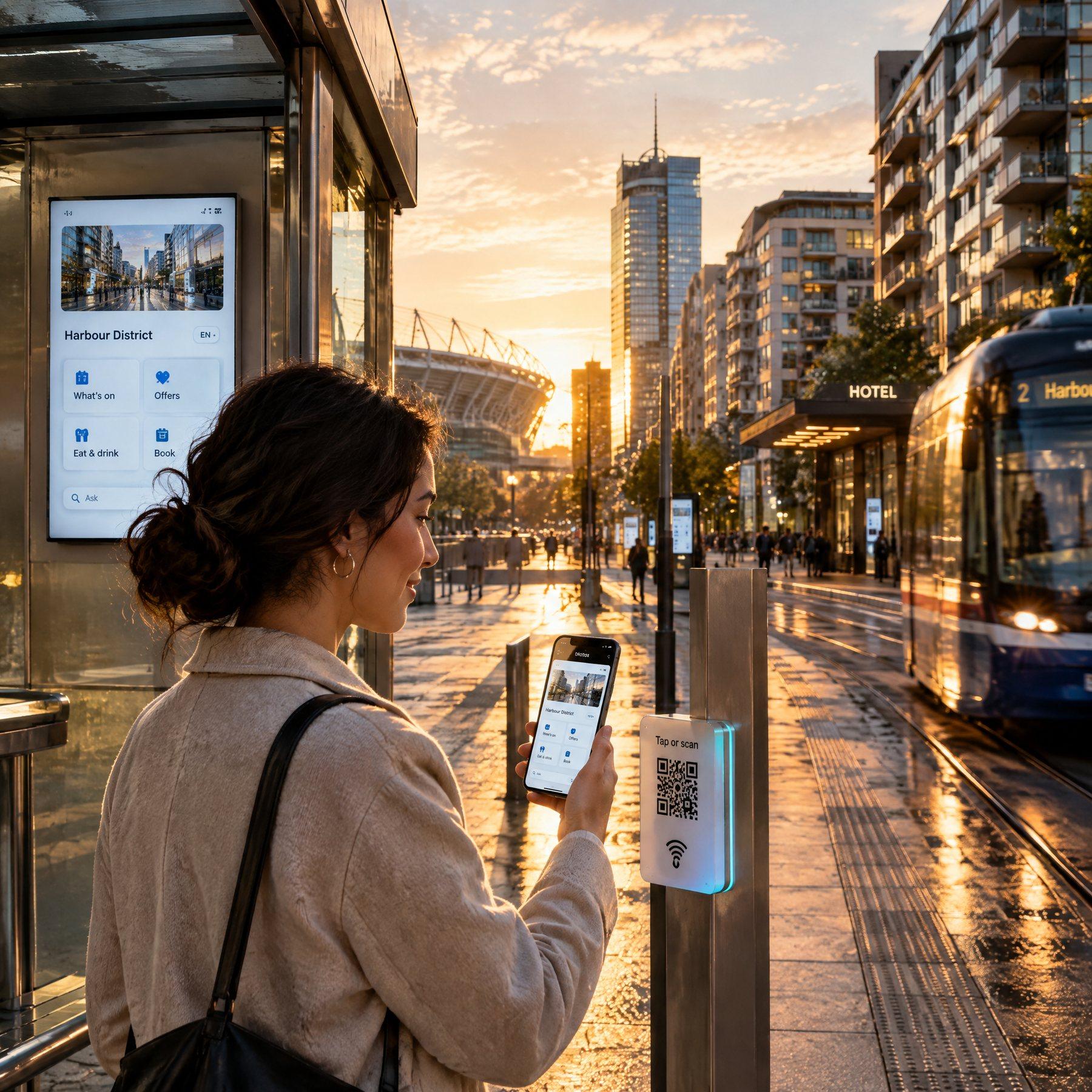
A company providing connectivity across several locations adds the same welcome layer to all of them. Each site still shows its own branding and sends visitors to its own page.
Tell us what you operate and what you want to improve. We will scope the knowledge, actions and connections your deployment would need.