Solutions · Venues & Events
Help people get more from being there.
A configured deployment can help visitors on arrival, answer questions from the venue's own information, and pass requests for help to your staff.

Before Morfus
What gets in the way today
The same questions, at the busiest moment
Where's the lift, where's my block, where can I eat. They are asked at the gates, often when staff are busiest.
Requests for help lose detail
A visitor who needs assistance has to find a member of staff first, and details can be lost as the request is passed on.
After the event, nobody knows what was asked
What visitors wanted to know, and the services they looked for and couldn't find, is lost once the event ends.
Relevant Morfus modules
Start with one. Add others when they earn their place.


Working together
One visitor, one match day.
A family finds its way, a visitor asks for help, and the operations team sees both. In this example, each step depends on a configured connection.
Example only
 01Experience · MorfBot
A family asks the way
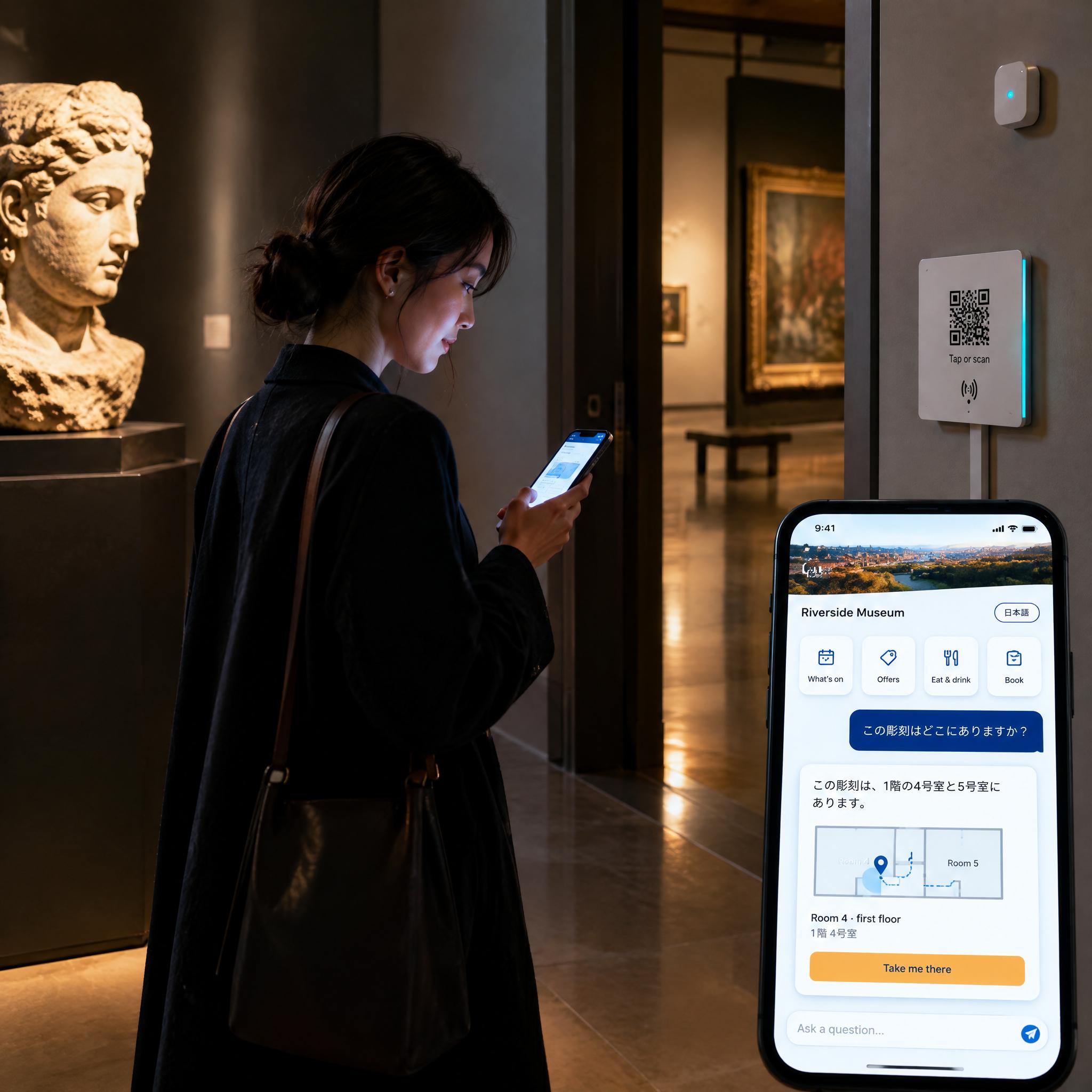
In the concourse they ask where the lift and their block are. The answer comes from the venue's own information.
- 02MorfBot
A request for help reaches staff
A visitor asks for step-free help. In this example, the request, with the gate and block filled in, goes to the steward team through a configured handoff.
- 03Analytics
Operations sees what was asked
In Analytics, the operations team sees each request and where it stands. Until the team confirms, a request shows as “awaiting confirmation” — never as done.
Illustrative connected workflow, integration required.
- Answer in the moment.
- Pass requests for help to staff.
- Learn what visitors asked for.
Nothing here is life-safety crowd control or individual evacuation accounting.
Deployment
A clear starting point. A practical deployment plan.
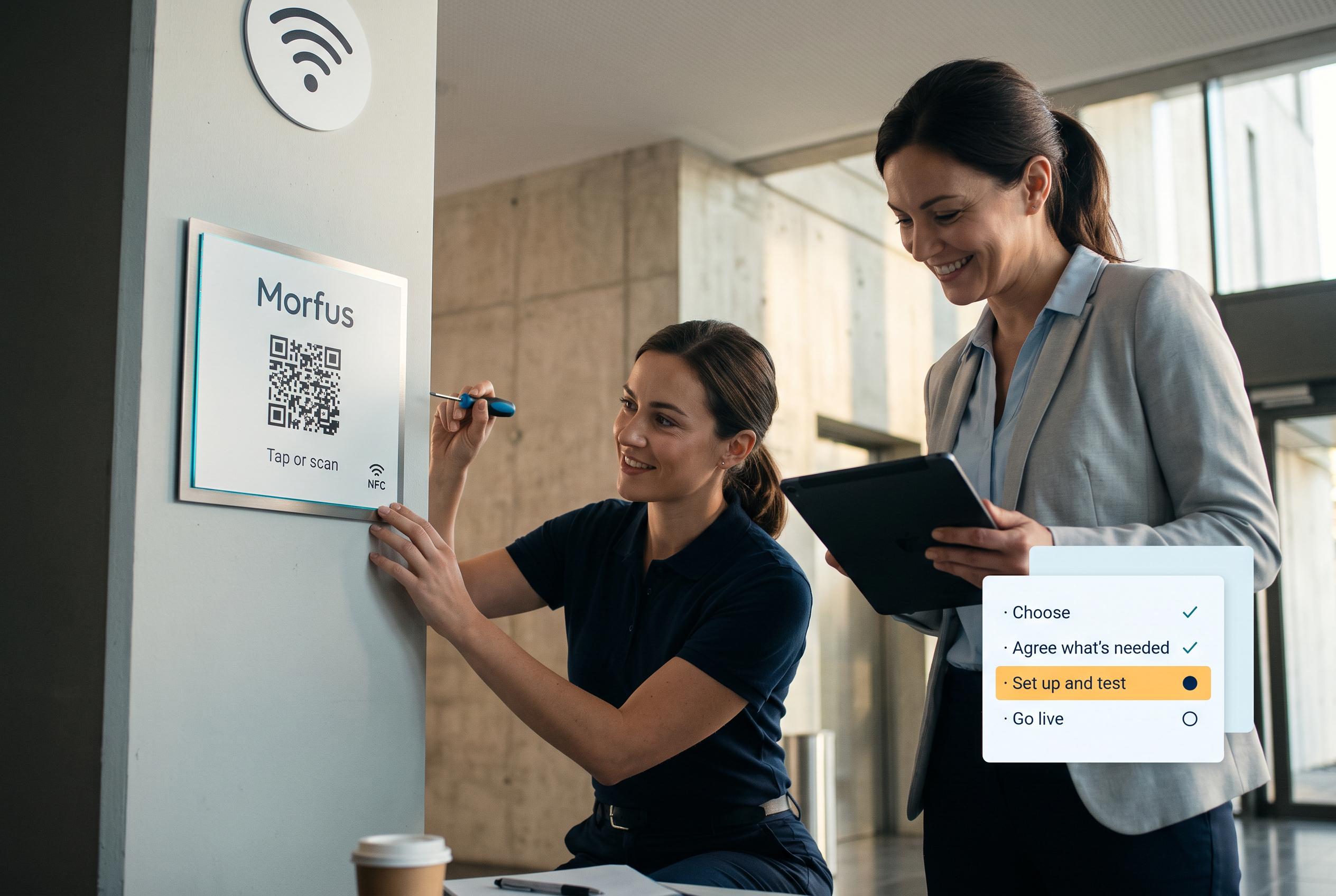
Choose the module or workflow you need. We agree the content, hardware and connections, set it up and test it, then review what the deployment shows.
- 01
Choose
Decide which module or workflow addresses the outcome you want to improve.
- 02
Scope
Agree the content, hardware and connections your deployment actually needs.
- 03
Set up and test
We set it up and check it works in your place.
- 04
Launch and review
Go live, then review what the deployment records and what to adjust.
Talk to us about your venue.
Tell us about your venue, your events and what visitors ask for on the day. We will scope the services and connections your deployment would need.