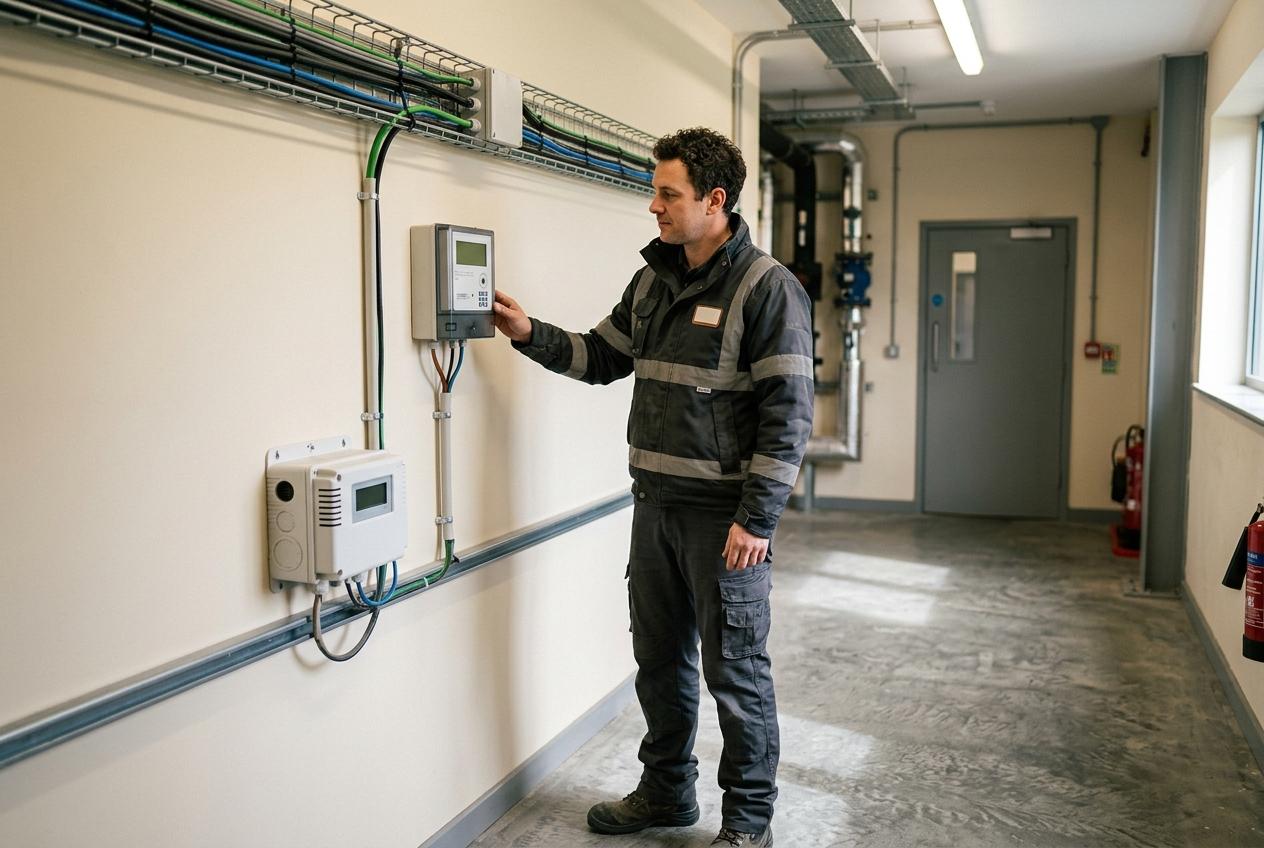
Read meters remotely.
See the latest reading from a compatible meter without sending someone round to collect it. Readings sit together, so you get a consistent record of use across your sites.
Morfus Spaces · Buildings: monitoring and control
Meter rounds, humidity complaints, equipment you can only adjust on site. Morfus Spaces puts your utility meters, room sensors and supported equipment in one screen, so a reading, an alert and an action are never confused with each other. You choose what gets connected and who is allowed to act on it.
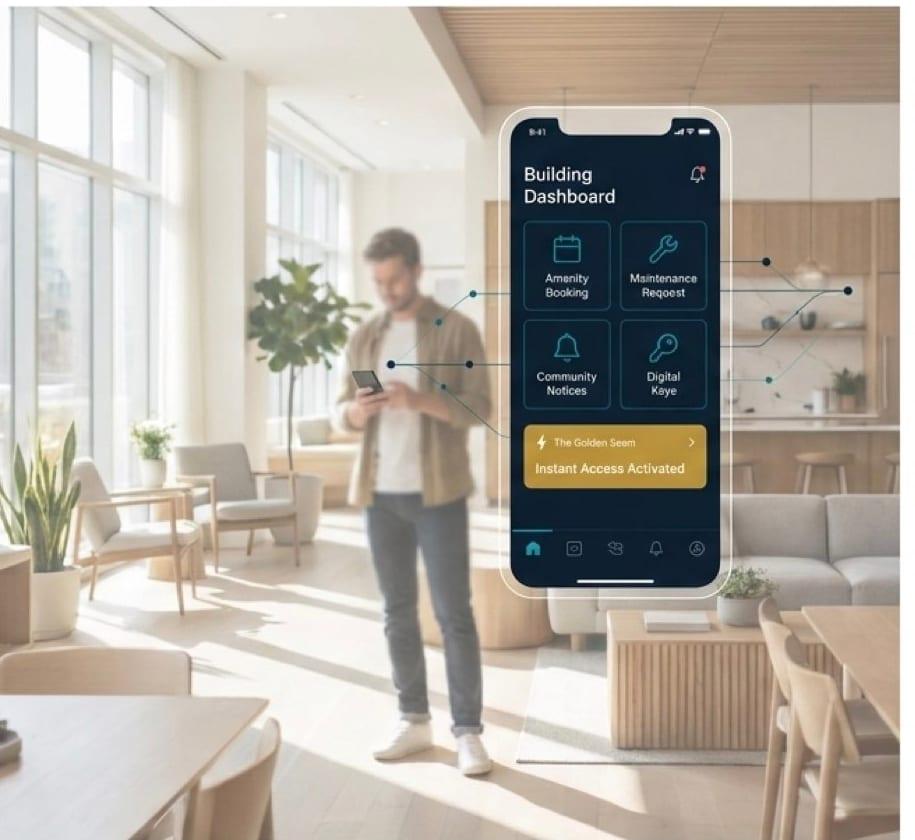
How it works
Meters and sensors send in readings. Spaces shows them clearly. Approved people, or rules you have set up, can then act on supported equipment. These are three different things and the platform never blurs them.
Readings
Electricity meter
Latest reading received
Temperature
Living room sensor
Humidity
Bathroom sensor
What your meters and sensors actually record: electricity, gas or water use, temperature, humidity and similar values, from equipment we have confirmed is compatible with your property.
Alerts
Humidity above your limit
Bathroom · worth checking
A prompt to look closer. Not a diagnosis.
When a reading crosses a limit you have set — per property, per unit or per sensor — Spaces flags it. An alert is a prompt to look closer. It is not a diagnosis and it does not replace an inspection.
Controls
Meeting room heating
Approved staff only
Hallway lights
Runs on your rule
An approved person, or a rule you have configured, operates supported equipment. Every action is attributable to the person or rule that triggered it. Your staff still do any physical work.
We keep these three separate on purpose. Spaces cannot promise to catch problems early, and it is not a medical or life-safety system.
What it does
See the latest reading from a compatible meter without sending someone round to collect it. Readings sit together, so you get a consistent record of use across your sites.
Track temperature and humidity in any room where a sensor is installed, and set the limits that matter for that space. When a reading crosses a limit, Spaces can flag it.
When a resident reports damp, you can look at the humidity and temperature readings for that room alongside any alert. It gives your team more to go on. It does not replace an inspection.
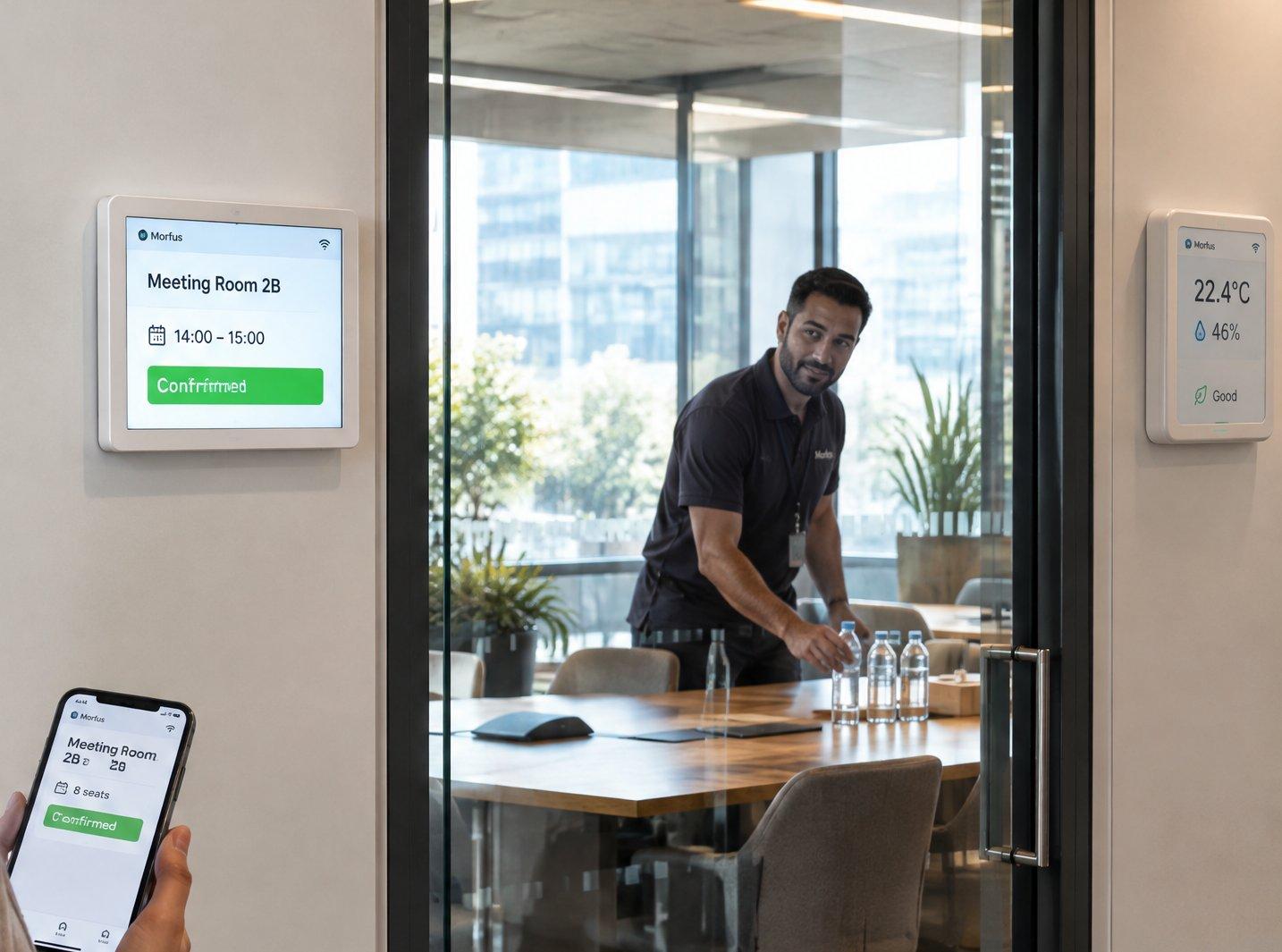
Approved people, or rules you set, can operate compatible equipment remotely, such as meeting-room heating or hallway lights. Your staff still do any physical work.
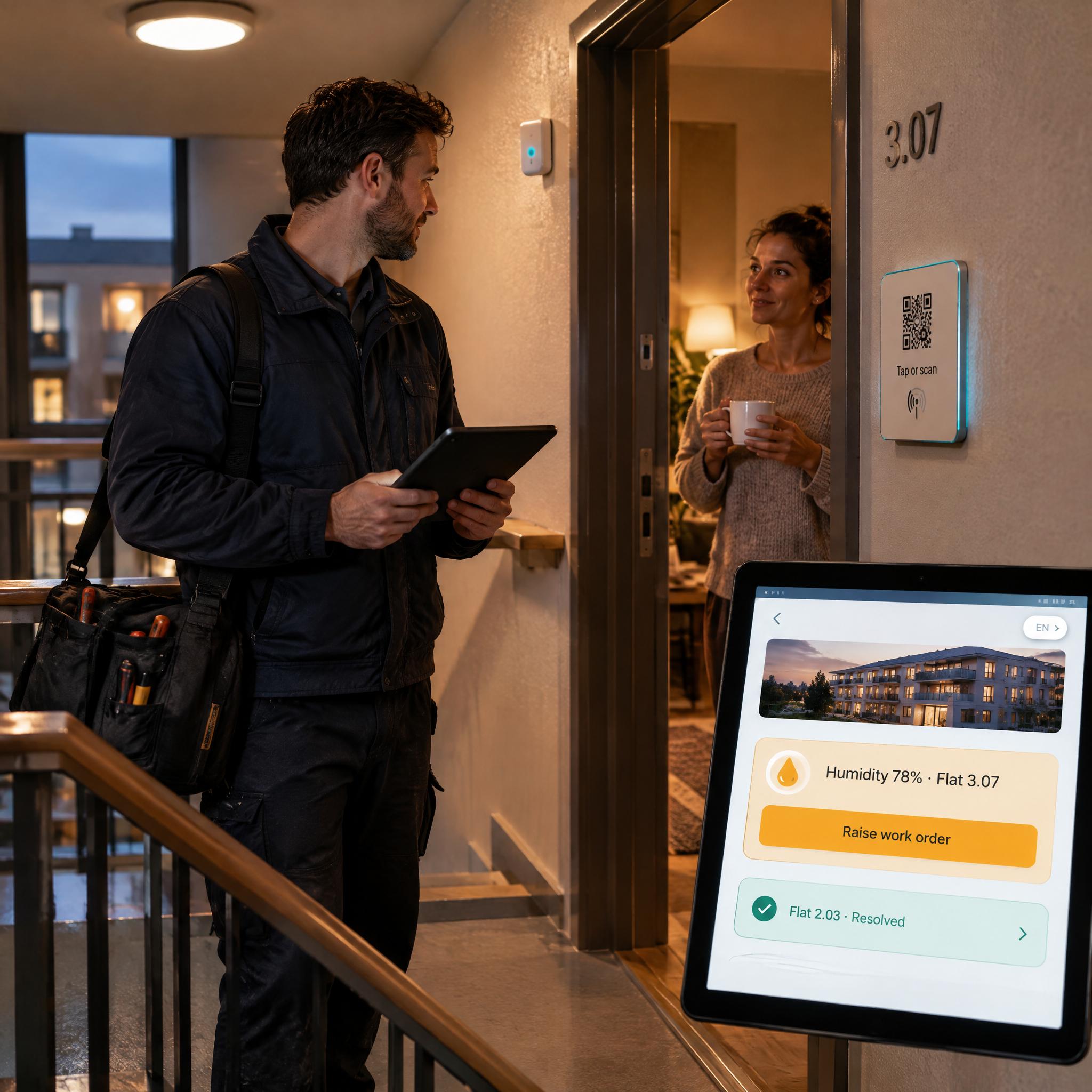
Build alerts on any monitored value and route them to the people who should see them, in-app or by email, with different preferences per role.
Run configurable assessments — damp and mould, sensor installation, other property checks — and keep the results with the property.
Beyond the building
The same sensors, rules, alerts and map scale from one property to a district or a city.
Each area is scoped for a particular deployment, with compatible sensors and the city's own systems. Spaces does not replace emergency services or a city's safety systems.

Use cases
Remote readings replace manual meter rounds, so you get a consistent record of use across your sites.
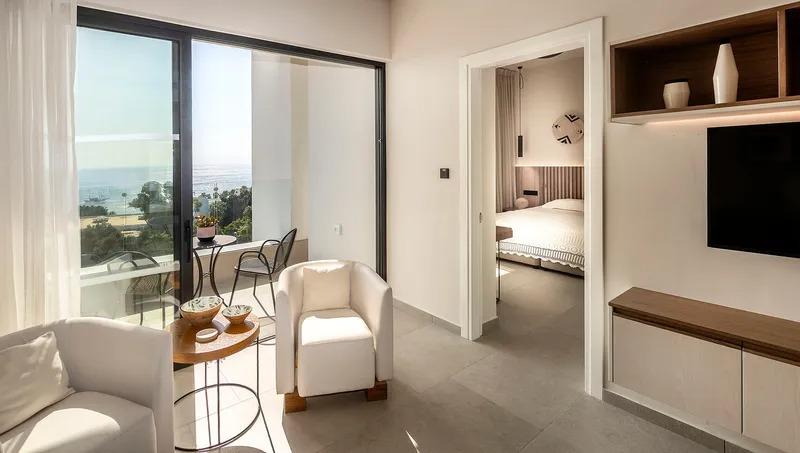
When a resident reports a problem, humidity and temperature readings give your team more to go on. They inform your assessment. They do not make it for you.
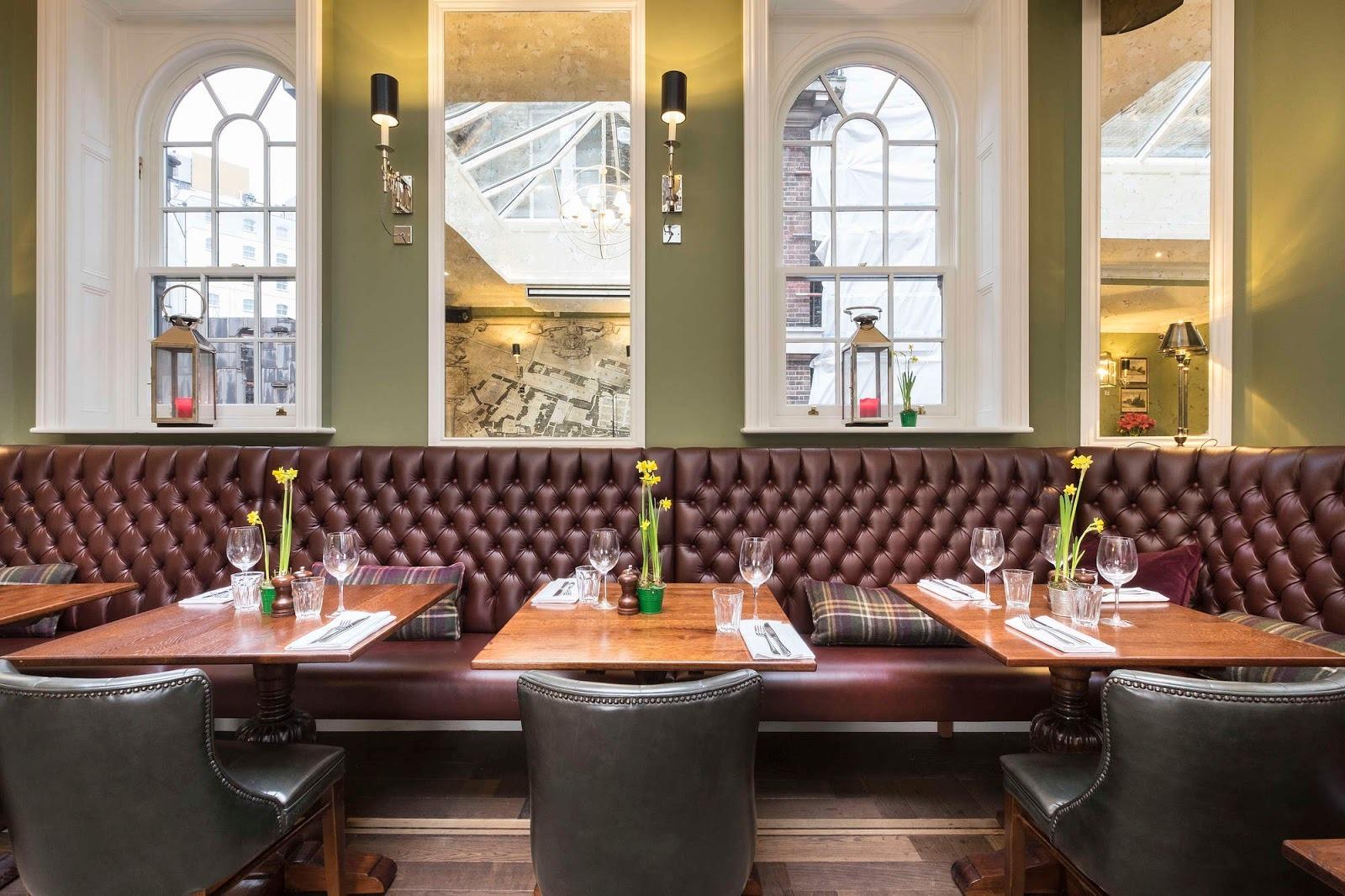
Supported controls can set a shared room up before people arrive, within the permissions and rules agreed for your property.
On its own
You do not need a guest app, an AI assistant or the rest of the Morfus platform. Pick the measurements, equipment and controls that fit what you need.
What we scope with you: a survey of your equipment; compatible meters, sensors and controllers; power and connectivity; access for installation; calibration and maintenance; who is allowed to do what; and the rules for controls.
Not every device already in your building will work with Spaces. We check compatibility and installation against your property first.
What your deployment needs
A reading, an alert and an action are different things, and Spaces shows them separately.
Meter reading
A real measured value from a compatible meter.
Environmental measurement
Temperature, humidity or similar, from an installed sensor.
Alert
A warning built from those readings. Not a diagnosis.
Control action
Something done by an approved person or a rule you have set up.
Illustrative screen. A sensor reading is never shown as a diagnosis, and nothing is marked as maintenance completed automatically.
With Morfus
Spaces works on its own. If you add other Morfus modules, each brings something specific.
Morfus Spaces
Morfus Analytics
Morfus Experience
Morfus Sensing
MorfBot device actions
See Spaces readings next to your other operational records.
Give residents or visitors a way to reach services.
A separate module, not part of Spaces and not needed to run it. Designed to add insight into how spaces are used, without cameras.
A separate feature still being built. Not part of what is live today.
Getting started
Where do you want to start?
Decide which module or workflow addresses the outcome you want to improve.
Agree the content, hardware and connections your deployment actually needs.
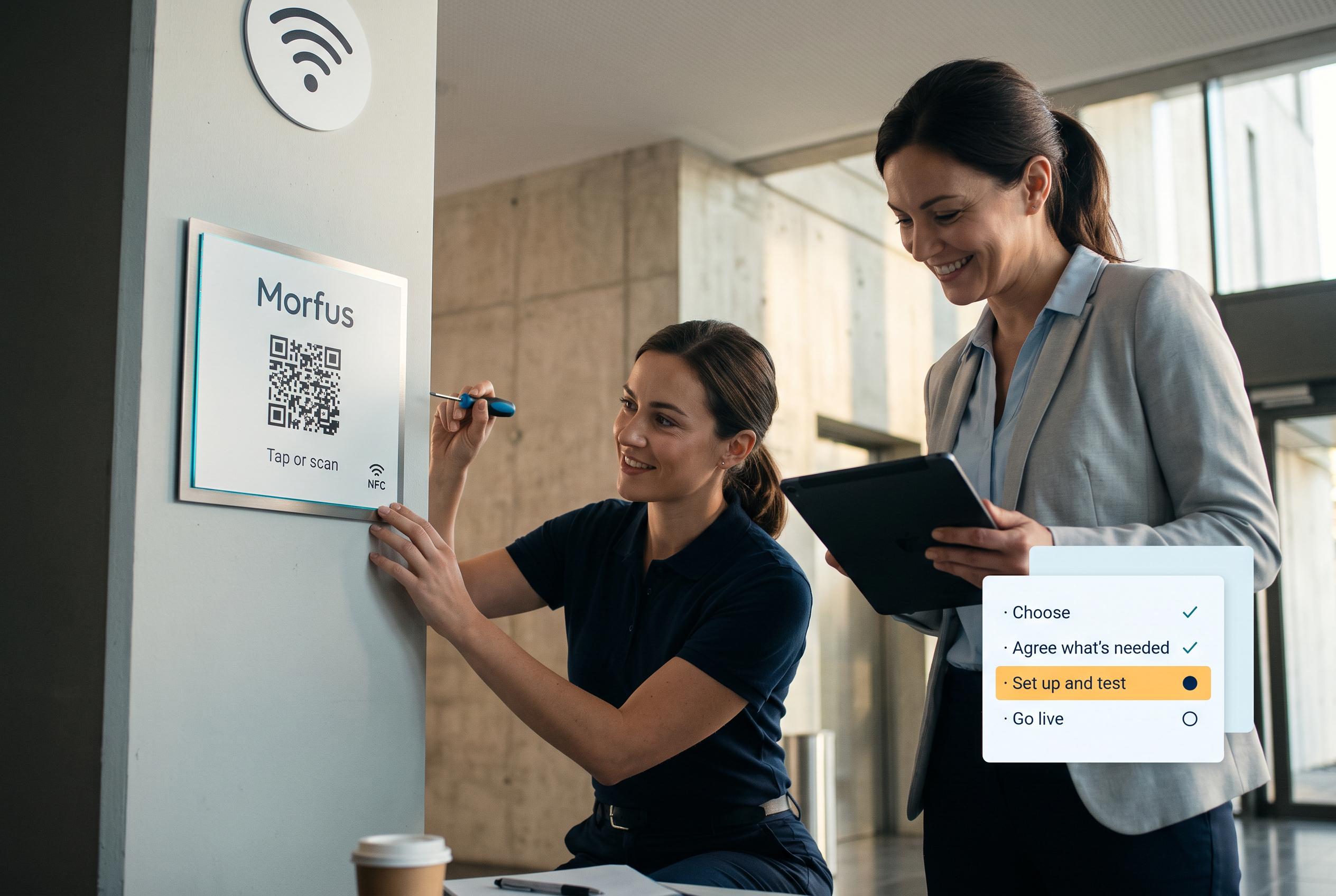
We set it up and check it works in your place.
Go live, then review what the deployment records and what to adjust.
Tell us what you operate and what you want to improve. We will scope the knowledge, actions and connections your deployment would need.