Internet packages.
Build tiered packages by speed, bandwidth and duration, and let residents and guests buy them themselves. Access can start and end with a stay.
Morfus Spaces · Property operations
Morfus Spaces is a property management platform for organisations that run more than one building. Residents and units, bookings, internet packages, payments, tickets and staff tasks sit in one place, organised from your partners down to each resident.

How it works
Set your organisation up once, then run the day-to-day inside it.
Your organisation
Your company
Company
Riverside block
Property · 48 units
Flat 3.07
Unit · 2 residents
Add your partners, companies, properties, units and residents. Each level sees only what belongs to it, while the levels above keep oversight.
Riverside block · Today
Roof terrace
Booked 18:00–21:00
Internet · 30 days
Flat 3.07 · paid
Bookings, internet packages and payments run in the same place, set up per property.
Tickets
Heating not working
Flat 12 · assigned to a technician
Closed only when the technician closes it.
Resident tickets become tasks, assigned to the right person and tracked to closure.
What it does
Build tiered packages by speed, bandwidth and duration, and let residents and guests buy them themselves. Access can start and end with a stay.
Take payment through Stripe from selection to confirmation, with refunds, retries, disputes and itemised invoices handled.
Residents raise issues that are prioritised, assigned and tracked to closure, and can message managers directly.
In-app for anything time-sensitive, email for anything critical — bookings, receipts, maintenance updates — with preferences per role.

Reserve units, facilities, amenities and services with live availability, so nothing is double-booked — a month-long let, an afternoon room or an event space.

Assign work across teams and properties and track it to completion. Technicians get their own dashboard; administrators get one for your employees.
Who sees what
Each level sees only what belongs to it, while everything above keeps oversight.
Each business gets its own separated environment on its own subdomain, or its own branded domain for enterprise deployments.
Your portfolio on a map
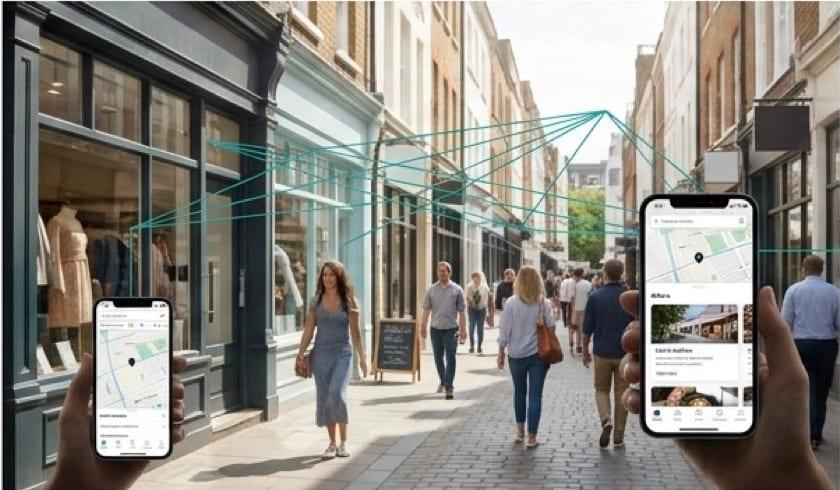
Every property you manage is pinned on an interactive map. Click a pin to open that property's details, bookings, readings and activity.
Use cases
Take bookings for units and facilities, sell internet for the stay and take payment, without a separate system for each.
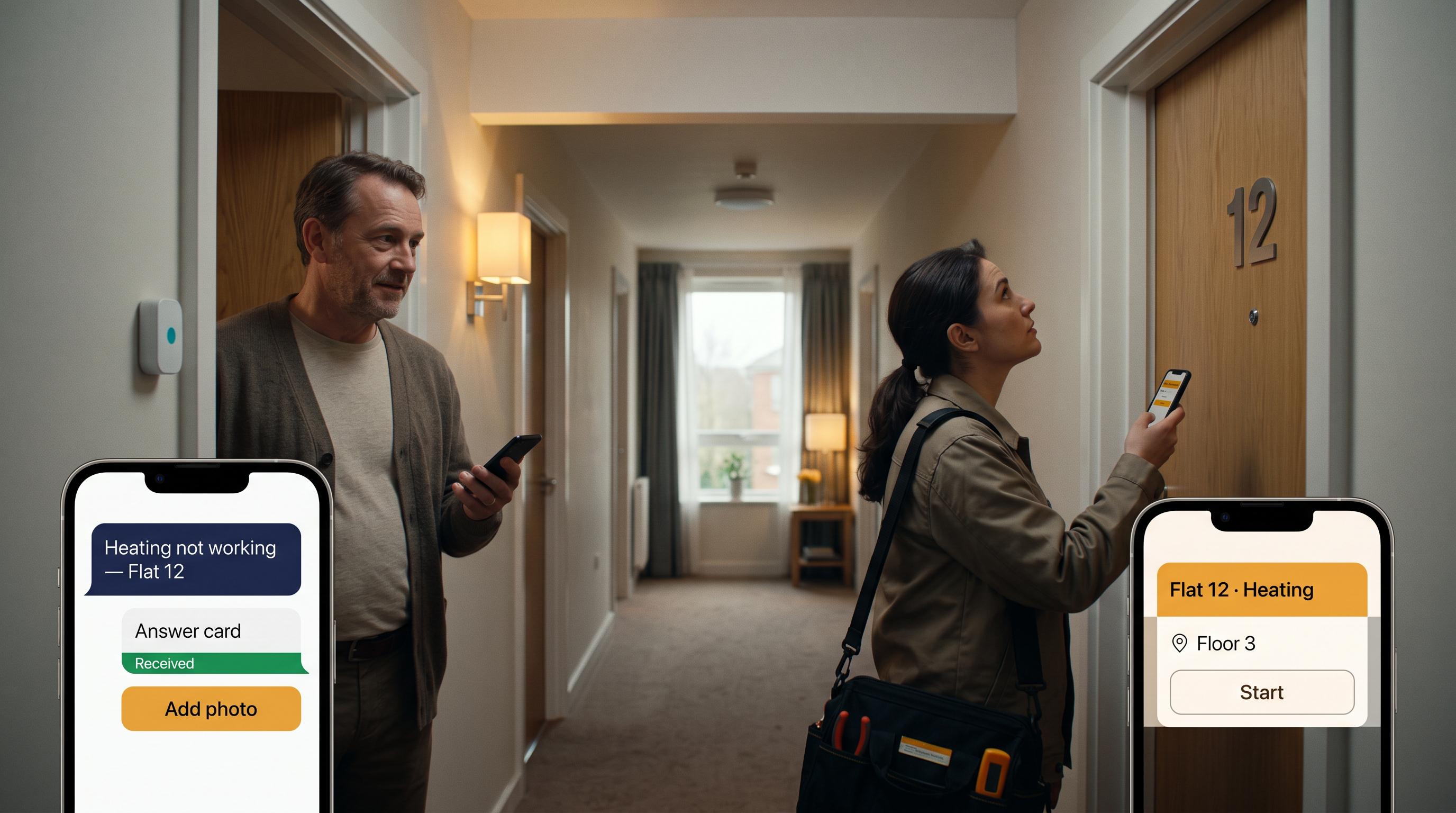
A resident's ticket becomes a task for a technician, tracked until it is closed.

Book shared rooms and spaces for events, with availability checked so nothing is held twice.
On its own
You do not need meters, sensors or the rest of the Morfus platform. The operations side runs on its own.
What we scope with you: your hierarchy of companies and properties, your units and bookable spaces, your internet packages, your payment setup, and who is allowed to do what.
What your deployment needs
For your IT team: role-based access control across all six levels, a REST API, real-time synchronisation across devices, logical data separation between companies and partners, and responsive interfaces for desktop, tablet and mobile.
A booking, a ticket, a task and a payment are different records, and Spaces keeps them apart.
Booking
A room, unit or amenity reserved and confirmed.
Ticket
An issue a resident raised, with its priority and status.
Task
Work assigned to a person, tracked to completion.
Payment
Taken through Stripe, with its receipt and any refund.
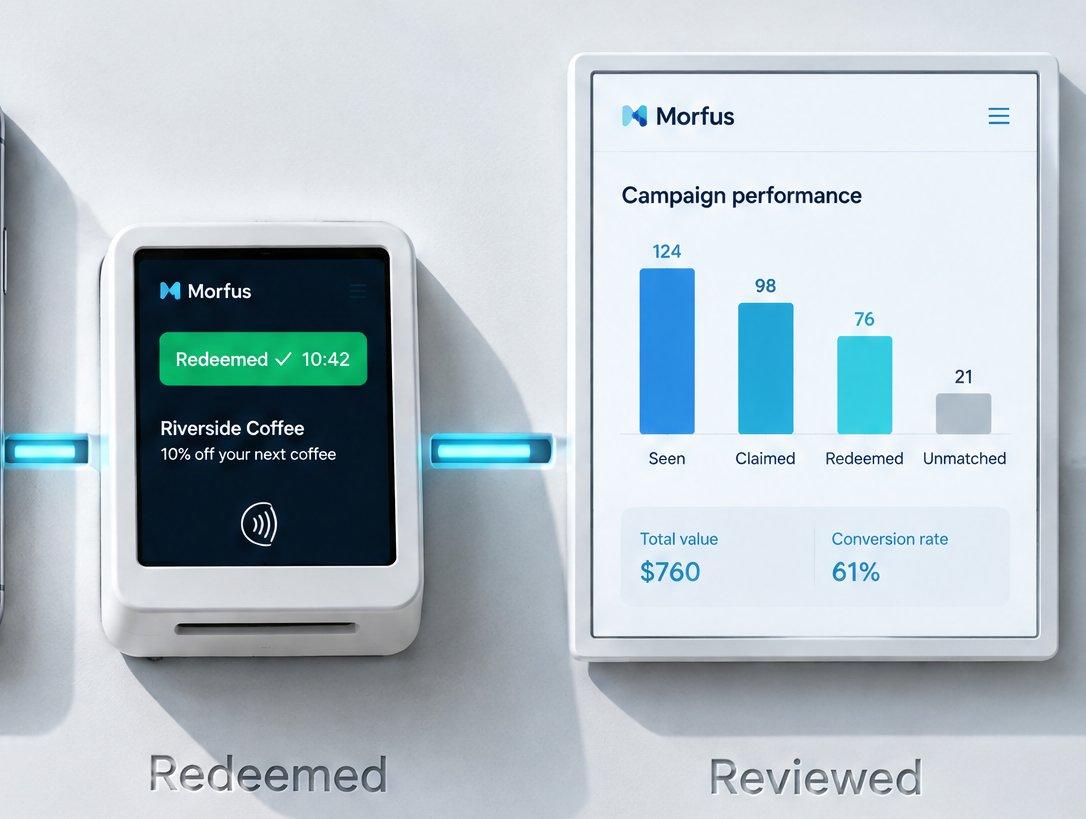
Illustrative screen. Nothing is marked as done until the person responsible closes it.
With Morfus
Spaces works on its own. If you add other Morfus modules, each brings something specific.
Morfus Spaces
MorfBot
Morfus Experience
Morfus Connect
Morfus Analytics
Answers residents' questions and writes up their requests.
Gives residents and guests pages to reach services and book.
A branded welcome when guests join your Wi-Fi — separate from the internet packages you sell.
See bookings and tickets next to your other operational records.
Getting started
Where do you want to start?
Decide which module or workflow addresses the outcome you want to improve.
Agree the content, hardware and connections your deployment actually needs.
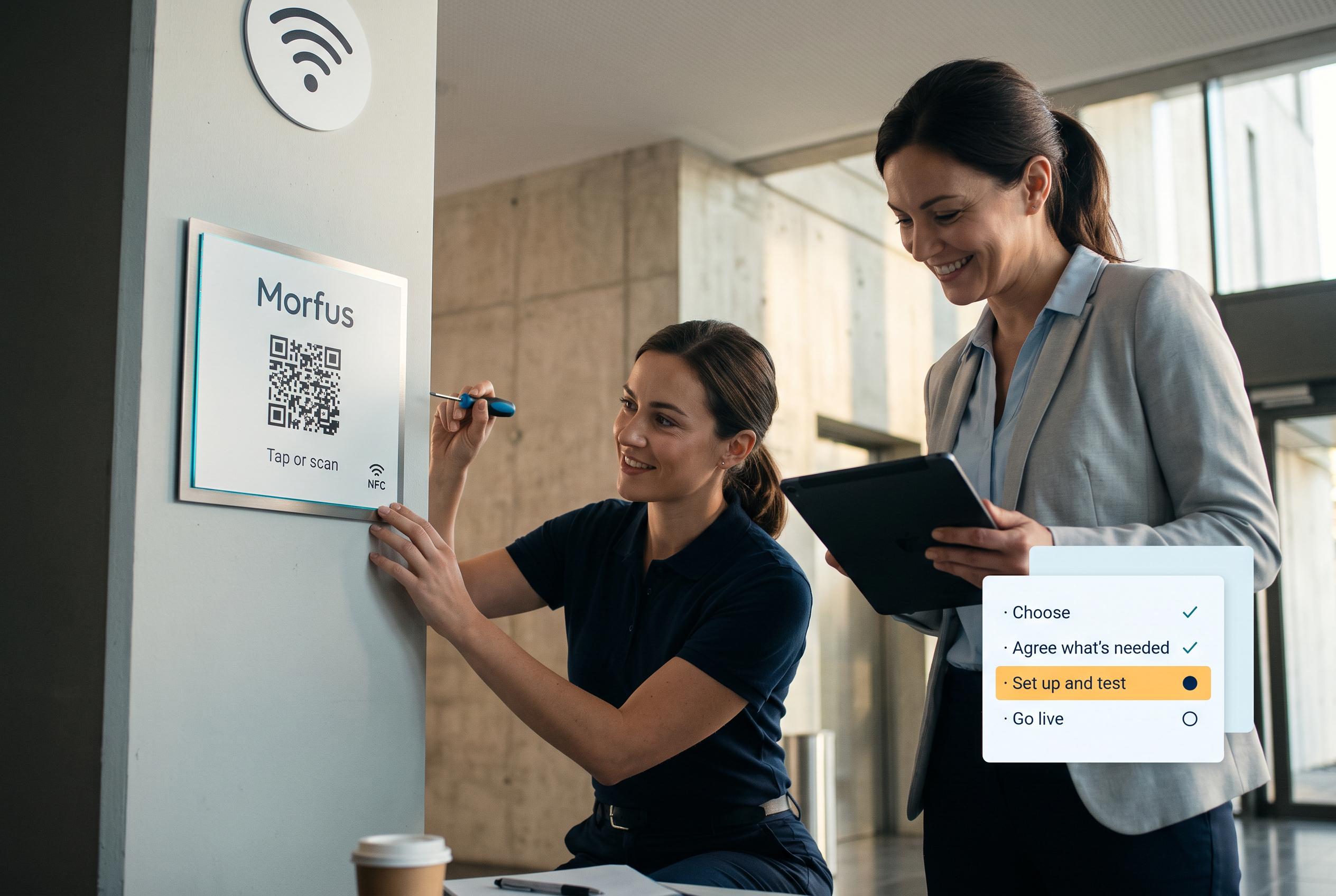
We set it up and check it works in your place.
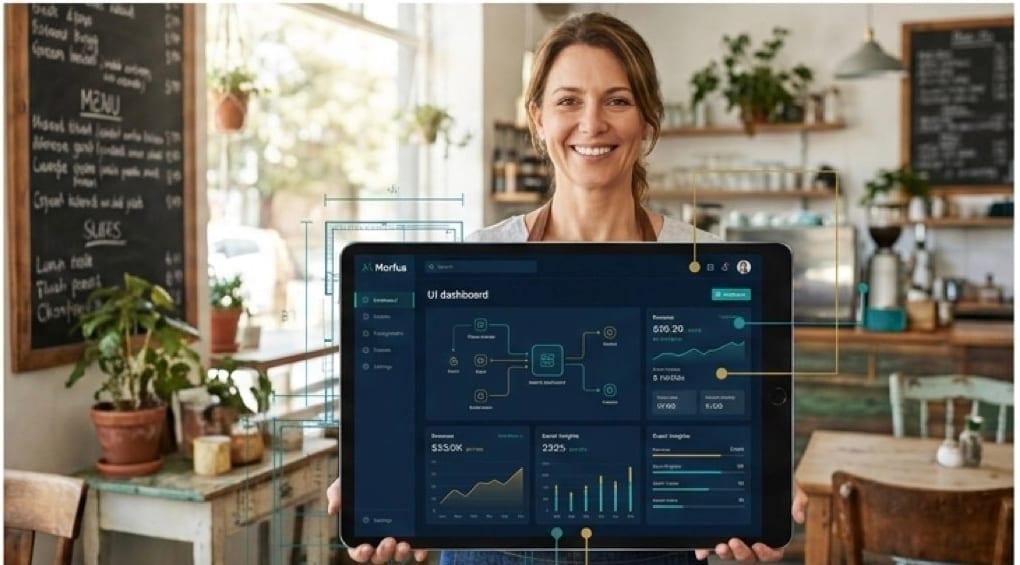
Go live, then review what the deployment records and what to adjust.
Tell us what you operate and what you want to improve. We will scope the knowledge, actions and connections your deployment would need.