Morfus Experience · Deployment
Deploying Morfus Experience, on its own or with Morfus.
What a deployment needs, what connecting other Morfus modules adds, and the steps to get started.

On its own
Deploy it independently
Experience can be your whole public-facing setup on its own — your pages, your services, and nothing else from Morfus required. Add only the connections you actually need.
What we agree first: the content and brand you approve; where it is hosted and who edits it; the links, signs or tags people arrive by; and which of your booking or payment systems we connect to, if any.
What works offline is explained feature by feature, never promised in one sweep. Confirming a booking or taking a payment needs a working connection and the right system at the other end.
What your deployment needs
- Software
- The pages themselves, and the editing screen your team uses to change them.
- Hardware
- None of ours. It runs in the browser on the visitor's own phone. Signs or tags are optional; a working connection is still needed for anything online.
- Information
- Your pages, listings, events, pictures, rules and any translations.
- Connections
- Links or integrations for booking, ordering and payment, plus an agreed way of showing when something is genuinely confirmed.
From a link to a confirmed answer
One activity followed all the way through, with the status shown honestly at every step.
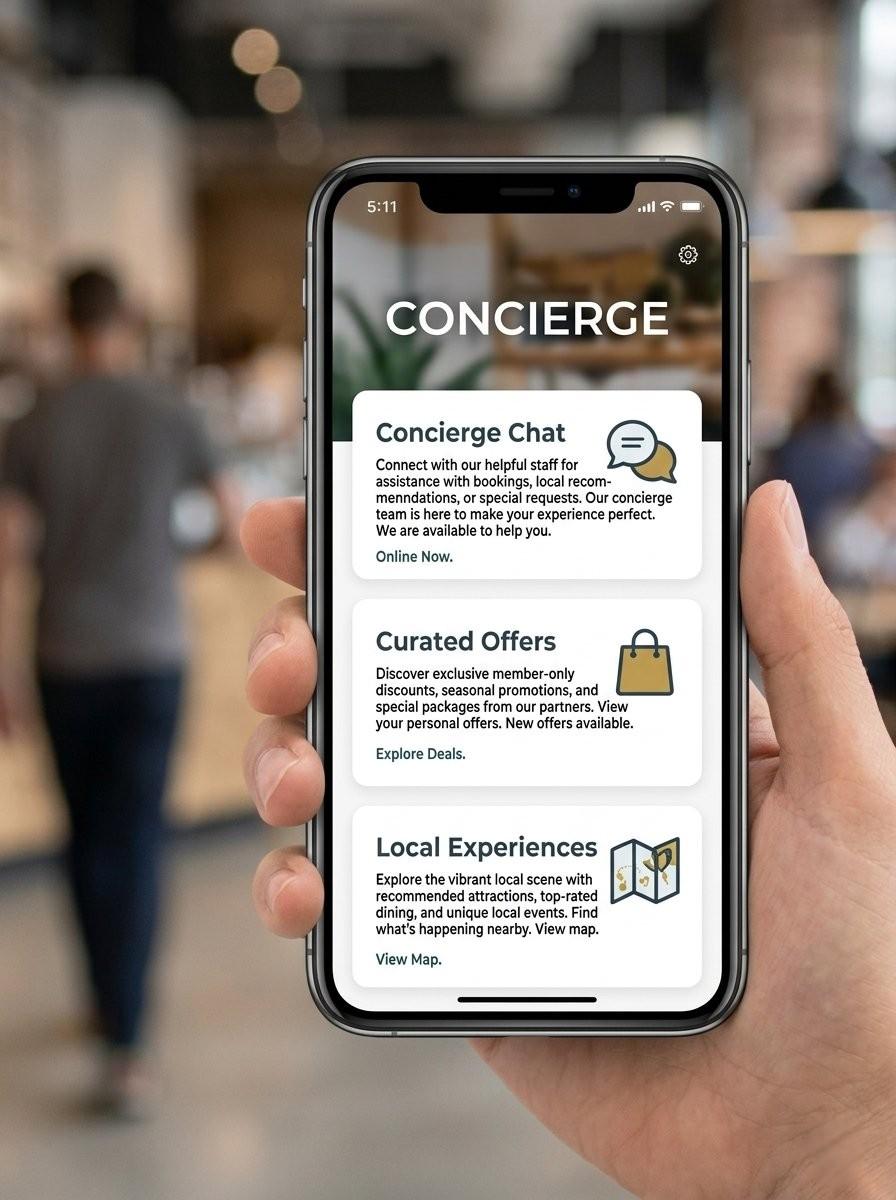
Arrive
Link, QR code, tag or Wi-Fi welcome — whichever one your site uses.
Browse
Explore, What's on and Services, arranged for your place.
Choose
One card opens the detail and whatever the next step is.
Requested, then confirmed
It says requested until the service or your team says otherwise. Those are two different words for two different things.
Illustrative screens. Do not read this as a promise that every payment happens on the page — what is possible depends on which of your systems we are connected to.
With Morfus
What connecting other modules adds
Experience works on its own. Where you also run other modules, each one adds a specific thing.
Morfus Experience
LiveMorfus Connect
LiveMorfBot
LiveMorfus Verified
LiveMorfus Analytics
LiveMorfus Ads
Live
- Morfus ConnectLive
Brings people in at the moment they join your Wi-Fi.
- MorfBotLive
Lets visitors ask a question in their own language instead of searching for the answer.
- Morfus VerifiedLive
Adds signs and tags people can scan, and records when an offer is actually used.
- Morfus AnalyticsLive
Shows what people looked at and which requests were recorded.
- Morfus AdsLive
Puts clearly labelled paid offers in among the ordinary listings.
Getting started
A clear starting point. A practical deployment plan.
- Example only
Where do you want to start?
ConnectExperienceMorfBotVerifiedAnalyticsAdsSpacesSensing01Choose
Decide which module or workflow addresses the outcome you want to improve.
- Example only
- ✓Software
- ✓Hardware
- ✓Information
- ✓Connections
02Scope
Agree the content, hardware and connections your deployment actually needs.
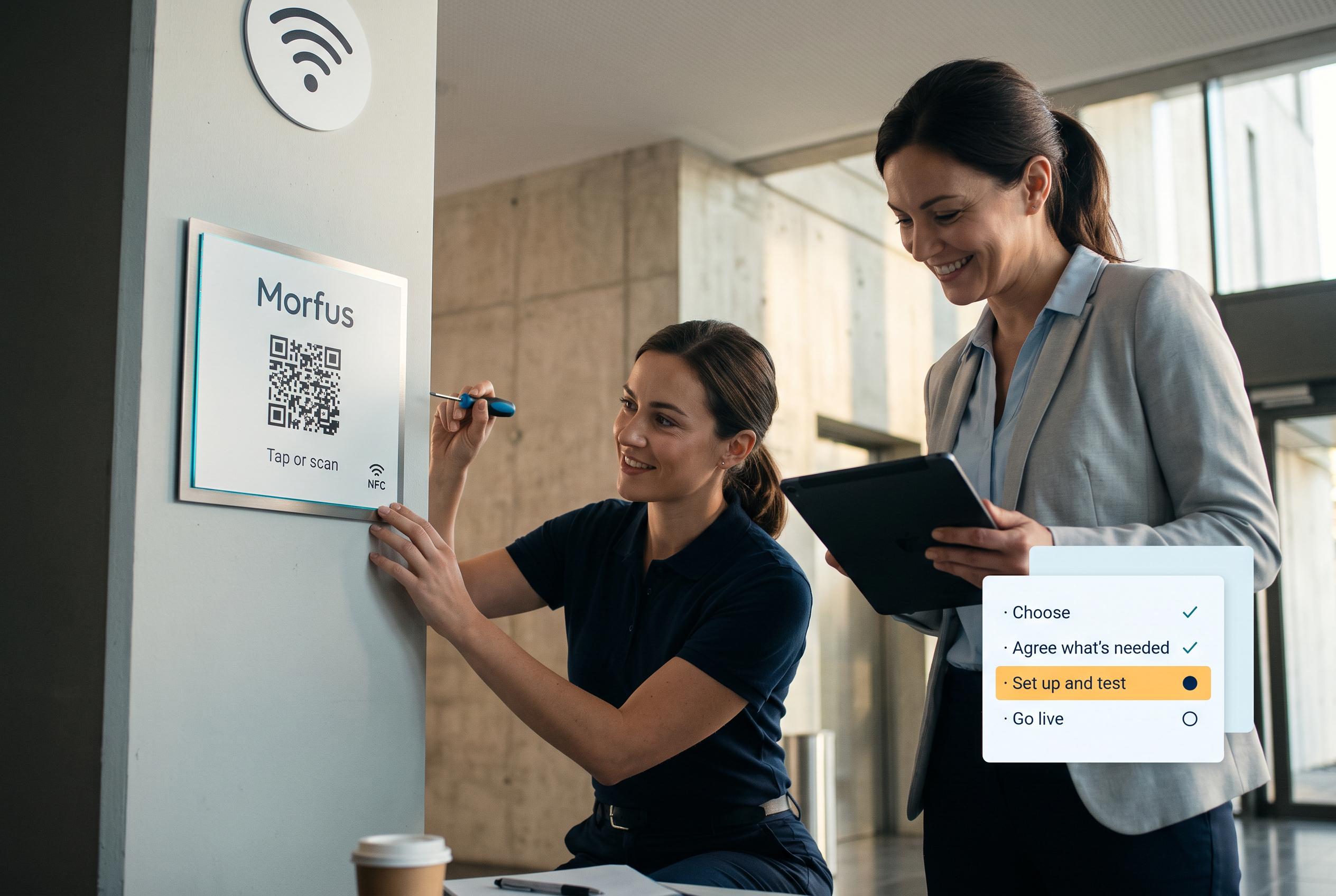
03Set up and test
We set it up and check it works in your place.

04Launch and review
Go live, then review what the deployment records and what to adjust.
Talk to us about Morfus Experience
Tell us what you operate and what you want to improve. We will scope the knowledge, actions and connections your deployment would need.