MorfBot · Deployment
Deploying MorfBot, on its own or with Morfus.
What a deployment needs, what connecting other Morfus modules adds, and the steps to get started.
- Live · within configuration

On its own
Deploy it independently
MorfBot can be your first and only Morfus module. You give it your material and decide which requests it may handle. We agree where it lives, how it looks and what it connects to. The rest of the platform is not a prerequisite. Controlling devices, and voice or AR guidance, are not part of what runs today — they are separate capabilities at earlier stages, scoped one by one.
What we agree first: which material it answers from and who keeps that current; a language check on anything critical; where visitors reach it; which actions it may take and through which systems; and who an unfinished request goes to.
What your deployment needs
- Software
- The assistant itself, set up for you, and the screen your team uses to keep its material current.
- Hardware
- None of ours. It runs on the visitor's own phone or computer. Where it is hosted and which channels it runs on are agreed with you.
- Information
- Your information, catalogue, prices, policies, common questions and local knowledge.
- Connections
- Where visitors reach it, which systems it may act through, and the named person or team unfinished requests go to.
What happens after the answer
Your approved material goes in. Three clearly different things can come out, and the page never blurs them together.
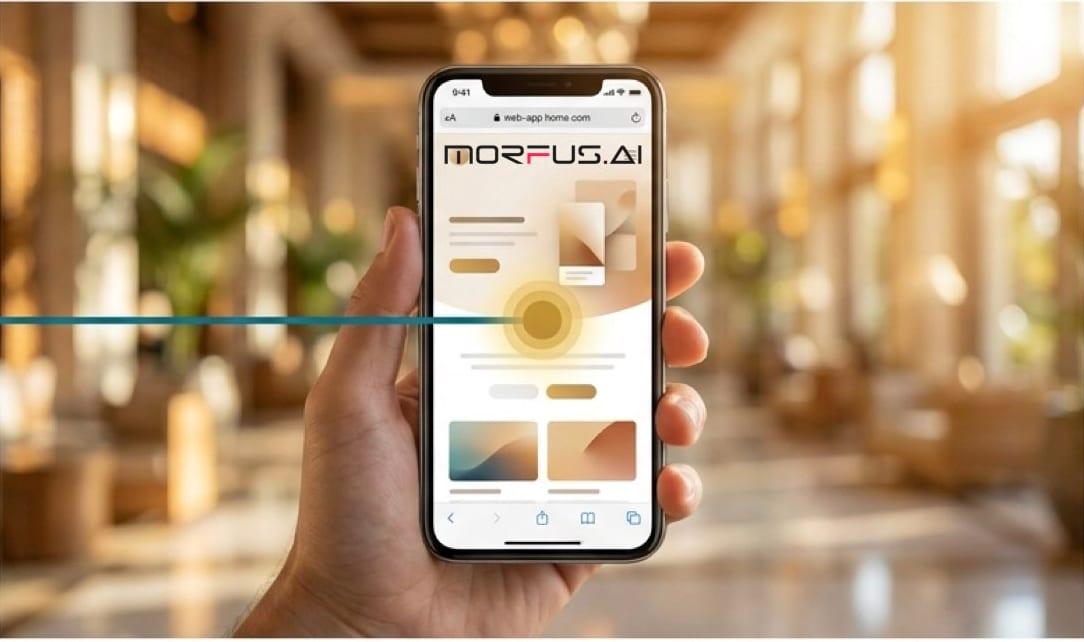
An answer
Drawn from your own material, and nothing else.
A request
A booking, order or service request. It says requested, and only says confirmed once the service or your team confirms it. Those are two different words for two different things.
A handover
Anything it cannot finish goes to a person, carrying the details already gathered.
Illustrative screens. MorfBot answers from your material — it is not searching the open internet — and which messaging channels it runs on is agreed for each deployment.
With Morfus
What connecting other modules adds
MorfBot works on its own. Where you also run other modules, each one adds a specific thing.
MorfBot
LiveMorfus Experience
LiveMorfus Connect
LiveMorfus Verified
IntegrationMorfus Analytics
LivePredicting and coordinating work
Proposed
- Morfus ExperienceLive
Gives the conversation a full set of your own pages to point at.
- Morfus ConnectLive
Puts assistance in front of people the moment they join your Wi-Fi.
- Morfus VerifiedIntegration
Can check whether someone is entitled to something.
- Morfus AnalyticsLive
Shows what people kept asking about, and what happened next.
- Predicting and coordinating workProposed
Looking ahead and routing work between teams is a separate idea, not part of what runs today.
Getting started
A clear starting point. A practical deployment plan.
- Example only
Where do you want to start?
ConnectExperienceMorfBotVerifiedAnalyticsAdsSpacesSensing01Choose
Decide which module or workflow addresses the outcome you want to improve.
- Example only
- ✓Software
- ✓Hardware
- ✓Information
- ✓Connections
02Scope
Agree the content, hardware and connections your deployment actually needs.
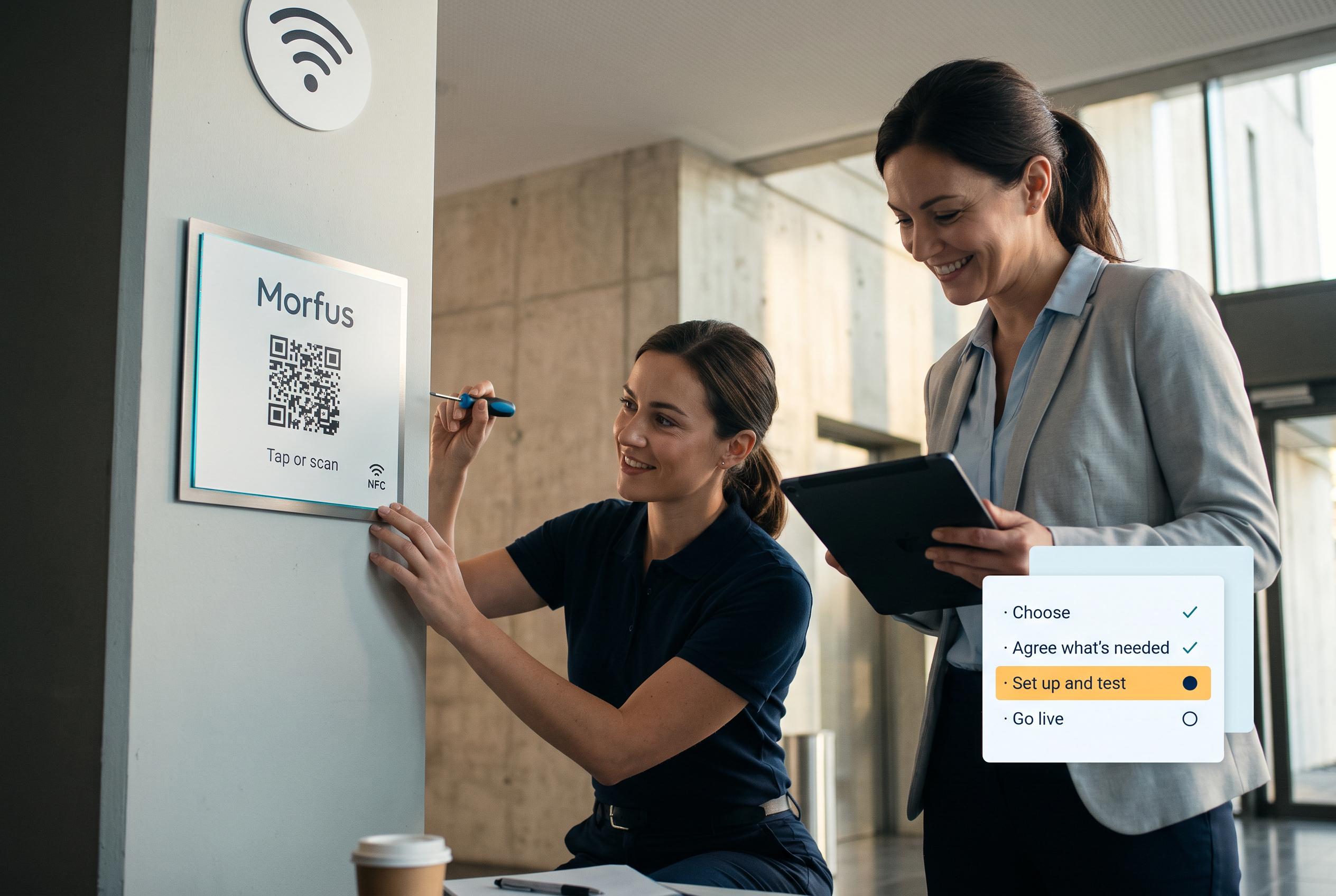
03Set up and test
We set it up and check it works in your place.

04Launch and review
Go live, then review what the deployment records and what to adjust.
Talk to us about MorfBot
Tell us what you operate and what you want to improve. We will scope the knowledge, actions and connections your deployment would need.