Morfus Sensing · Deployment
Deploying Morfus Sensing, on its own or with Morfus.
What a deployment needs, what connecting other Morfus modules adds, and the steps to get started.
- In development
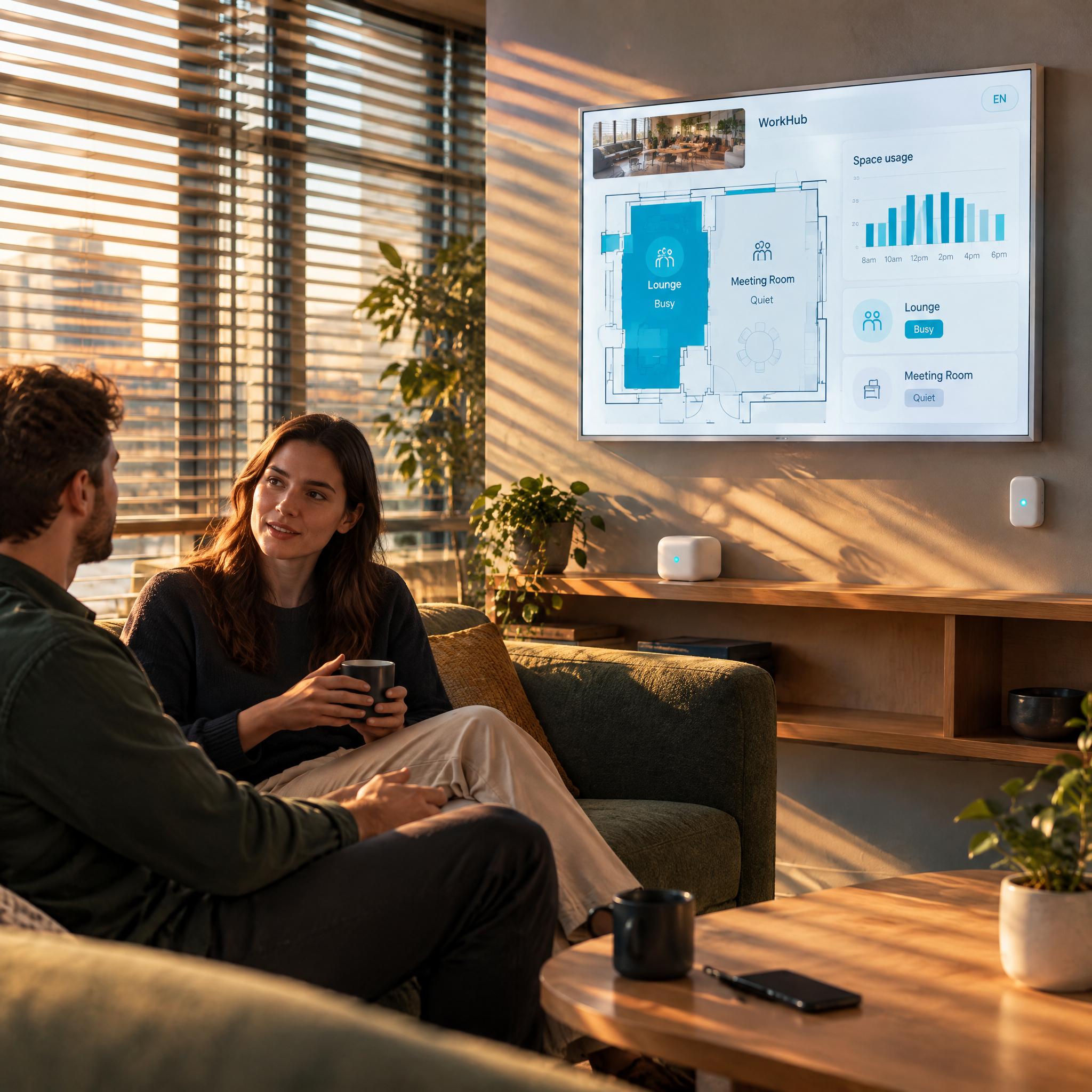
On its own
Deploy it independently
Sensing is designed to stand alone. Visitors would not need to use a Morfus page or talk to MorfBot for it to work. The devices, what they are meant to observe and how the result is delivered are all being worked out through the development programme.
What the programme covers: surveying the area; approving the devices and where they go; power and network design; where the processing happens; a baseline calibration; agreeing what counts as an observation and what counts as an error; testing on site; and maintenance.
We are not claiming a range, an accuracy, a number of devices, that it works through walls, or that it retrofits to what you already have. Whether it becomes available at all depends on the development programme.
What your deployment needs
- Software
- The interpretation and the reporting, both still being built. Where the processing runs is not yet fixed.
- Hardware
- Dedicated devices at a concept stage. What they are, where they go, and how they are powered and connected all come out of testing.
- Information
- A plan of the area, what you want observed, calibration inputs and what would count as success.
- Connections
- How signal, processing and output fit together, agreed and approved. Anything it plugs into is reviewed separately, and your existing Wi-Fi is not assumed to be enough on its own.
In, interpreted, out
The middle step is shown on purpose. That is where a change in a radio signal becomes a claim about a room — and where it could be wrong.
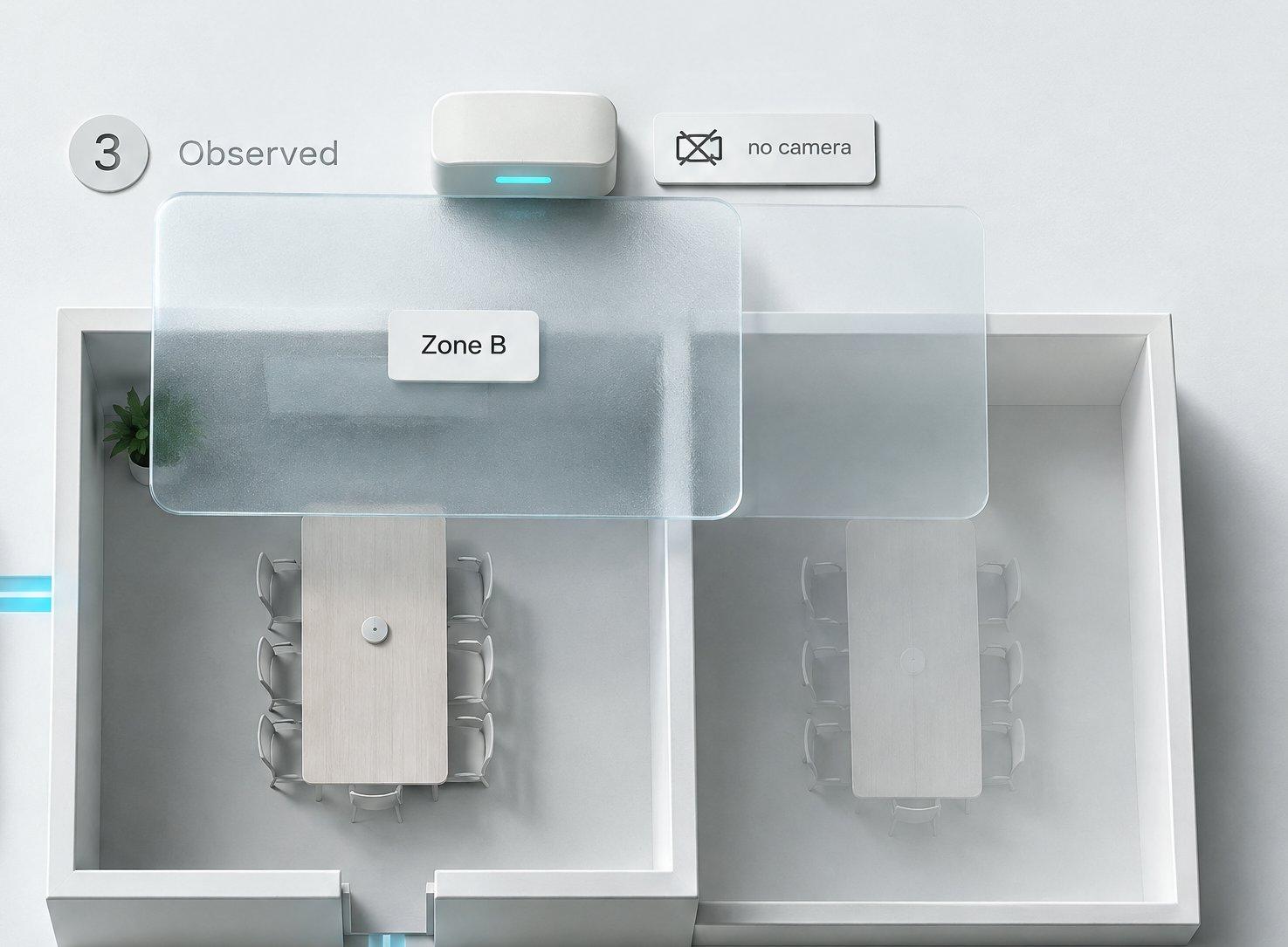
The device
Concept hardware in a surveyed position. The casings shown are illustrative until there is a real product to photograph.
The area
A marked-out part of the floor. What gets observed is the area, not a person standing in it.
Signal changes
Radio paths crossing the space, drawn to explain the idea rather than to measure anything.
What it concludes
A simple statement about that area. A history view is one possible screen, not a dashboard we have built.
Concept hardware and illustrative screens. Nothing here shows a tested count, a flow, or a guarantee of anonymity, and no individual is identified.
With Morfus
What connecting other modules adds
Sensing is meant to stand on its own. Each connection below would be scoped and tested separately, and none of them exists yet.
Morfus Sensing
In developmentMorfus Spaces
In developmentMorfus Analytics
In developmentMorfus Experience
In developmentWider Morfus intelligence
Proposed
- Morfus SpacesIn development
Sensing is a separate module, not part of Spaces. It is designed to feed Spaces where that helps — for example, a property rule you have already authorised.
- Morfus AnalyticsIn development
Could show how spaces are used alongside your other records.
- Morfus ExperienceIn development
Could tell a visitor whether something is free.
- Wider Morfus intelligenceProposed
Could weigh observations against bookings and requests. An idea, not a plan.
Getting started
A clear starting point. A practical deployment plan.
- Example only
Where do you want to start?
ConnectExperienceMorfBotVerifiedAnalyticsAdsSpacesSensing01Choose
Decide which module or workflow addresses the outcome you want to improve.
- Example only
- ✓Software
- ✓Hardware
- ✓Information
- ✓Connections
02Scope
Agree the content, hardware and connections your deployment actually needs.
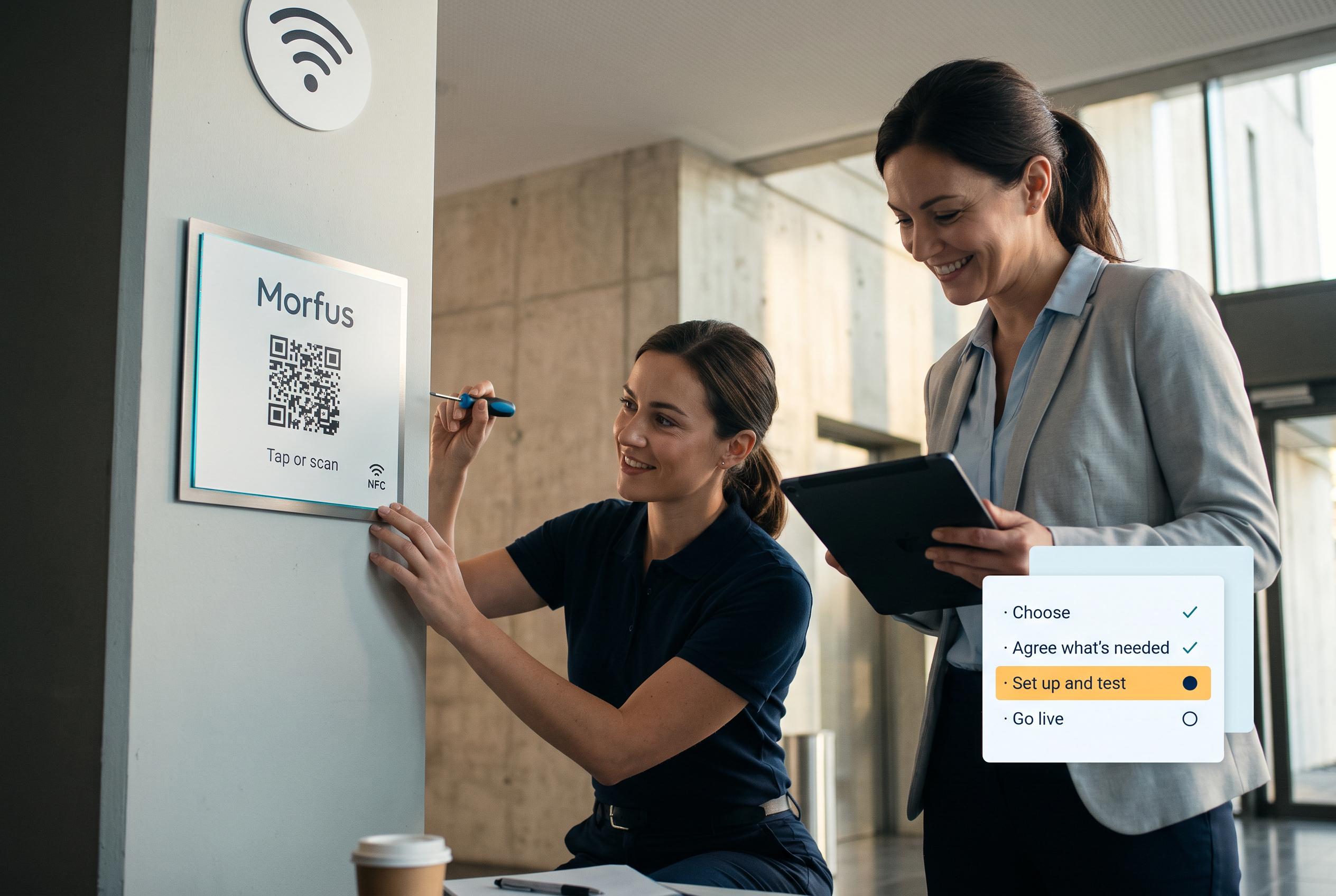
03Set up and test
We set it up and check it works in your place.
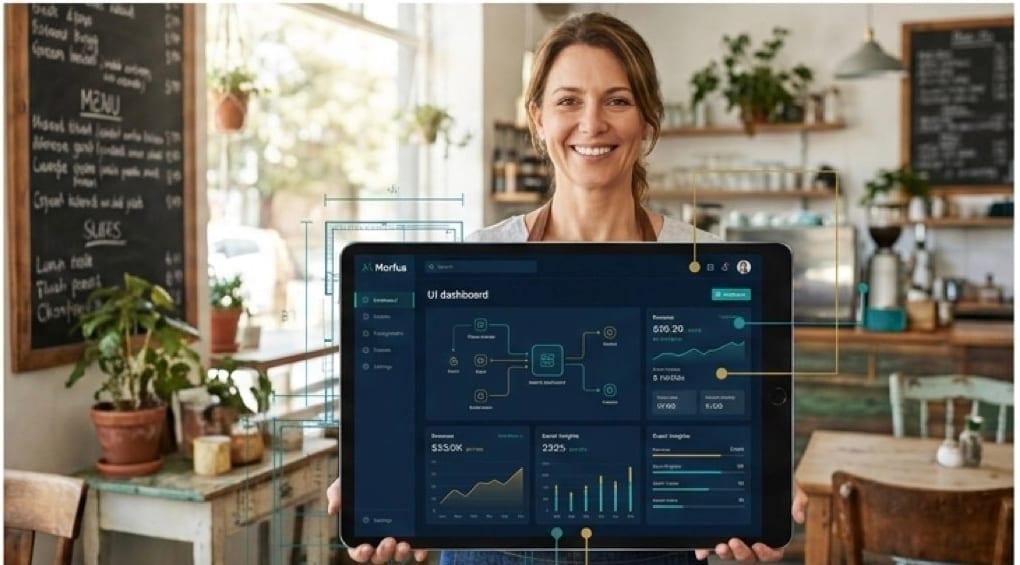
04Evaluate a pilot
Run and assess a scoped pilot. Production availability is not implied.
Talk to us about Morfus Sensing
Tell us what you operate and what you want to improve. We will scope the knowledge, actions and connections your deployment would need.