Morfus Verified · Deployment
Deploying Morfus Verified, on its own or with Morfus.
What a deployment needs, what connecting other Morfus modules adds, and the steps to get started.
- Live · offers
- Integration · credentials
- In development · records

On its own
Deploy it independently
You can run Verified around a single programme — one offer, one scan, one check — without Wi-Fi from us and without the rest of the platform. We agree where the scan leads, who issues any credential, how it gets checked, and who honours what.
What we agree first: the signs or tags and what they open; the offer terms and who honours them; for credentials, who issues them and who checks them; and for the records still in development, what is captured and who reviews it.
Nobody needs a pass just to look around. Ordinary information and assistance stay open to everyone.
What your deployment needs
- Software
- The scan destination and the offer workflow. Credentials and records are scoped separately, because they are at different stages.
- Hardware
- Printed QR signs or NFC tags where you use them; for the record workflow still in development, devices that can capture what is needed.
- Information
- Offer terms, redemption rules, what an issuer says a credential entitles someone to, and what a record has to contain.
- Connections
- Where the scan leads and who honours it; for credentials, links to the issuer and the checker; for records, wherever the review happens.
Three capabilities, three different stages
These are shown apart on purpose. They are not equally ready, and presenting them as one product would hide that.
Scan, claim, redeem
LiveOffer
Offer claimed
Recorded
✓Redeemed at the counter
Recorded
✓Issuer, entitlement, expiry
IntegrationPass
Issued by
The organisation that issues it
Entitles you to
Set by the issuer
Valid until
Set by the issuer
Structured capture
In developmentRecord
1 · At collection
Captured in a set order
2 · At return
Captured in a set order
Review later
Scan, claim, redeem — Live
A sign opens an offer, the visitor claims it, staff check it at the counter. This runs today.
Issuer, entitlement, expiry — Integration
A credential says what someone is entitled to and until when. Wallets, keys and door systems each need connecting separately.
Structured capture — In development
Capturing what happened, in order, for later review. Being built. Not available to buy.
Illustrative screens. Nothing here shows a genuineness badge or a trusted timestamp, because we would only show one where a real mechanism backs it. We are not claiming any of this cannot be forged.
With Morfus
What connecting other modules adds
Verified works on its own. Where you also run other modules, each one adds a specific thing.
Morfus Verified
LiveMorfus Experience
LiveMorfBot
LiveMorfus Analytics
LiveInsurance and similar review workflows
Proposed
- Morfus ExperienceLive
Gives the scan somewhere fuller to land than a single page.
- MorfBotLive
Can explain the offer or the rule, and take the next step.
- Morfus AnalyticsLive
Adds the claims and redemptions to what you can review.
- Insurance and similar review workflowsProposed
Would each need their own programme and integration. Nothing here is ready-made.
Getting started
A clear starting point. A practical deployment plan.
- Example only
Where do you want to start?
ConnectExperienceMorfBotVerifiedAnalyticsAdsSpacesSensing01Choose
Decide which module or workflow addresses the outcome you want to improve.
- Example only
- ✓Software
- ✓Hardware
- ✓Information
- ✓Connections
02Scope
Agree the content, hardware and connections your deployment actually needs.
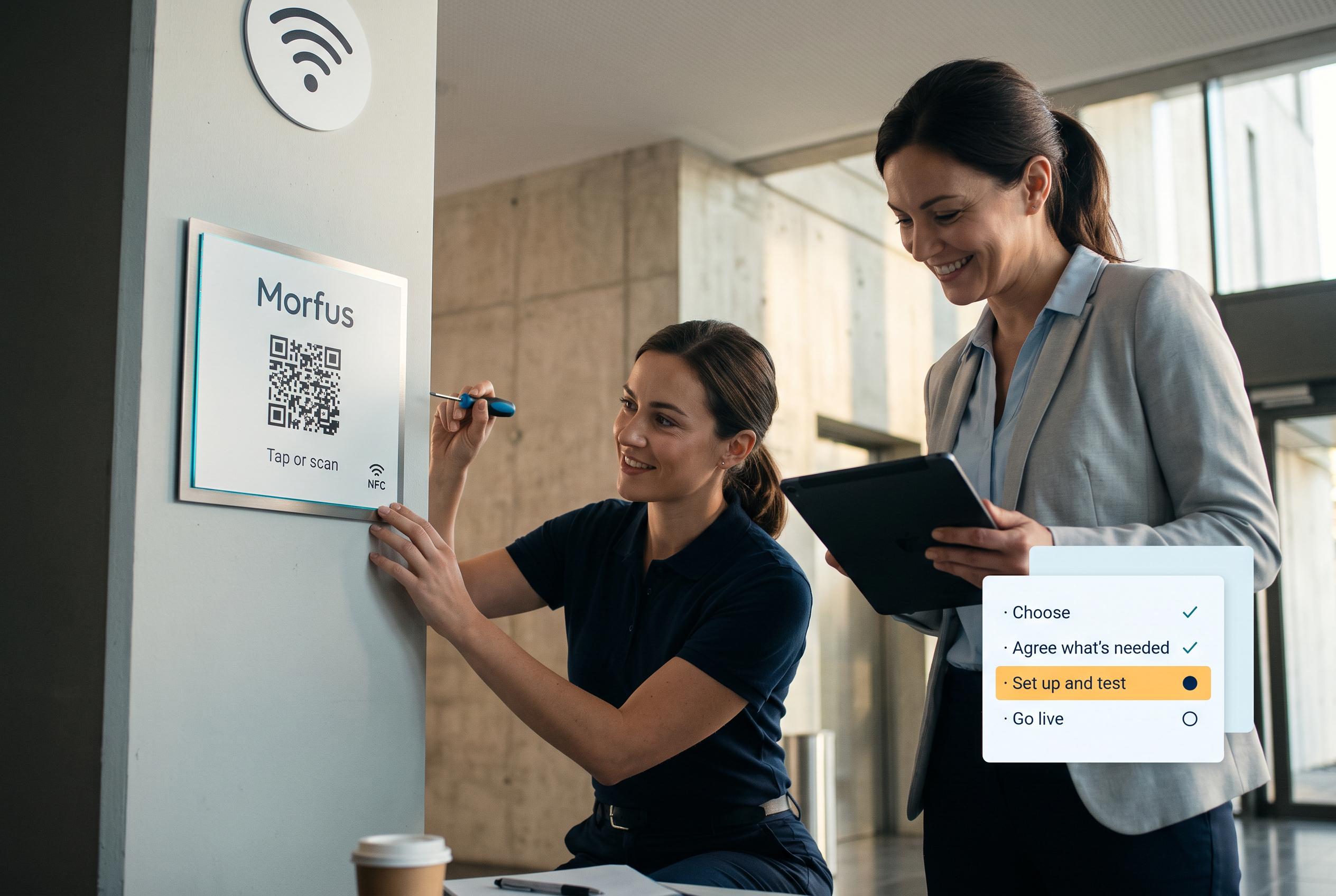
03Set up and test
We set it up and check it works in your place.

04Evaluate a pilot
Run and assess a scoped pilot. Production availability is not implied.
Talk to us about Morfus Verified
Tell us what you operate and what you want to improve. We will scope the knowledge, actions and connections your deployment would need.